FX trading journal that sizes trades in lots and reads results by pair
Astro Trading Journal is an FX trading journal that records each currency-pair trade in lots with the pair's contract size and shows your results by pair. It runs on iPhone and on the web, and MetaTrader 5 and TradeLocker trades sync in on their own.
What to record for each forex trade
Your trading platform already stores the numbers. In Astro you keep those numbers next to the setup you traded and a note on your emotions and discipline, so you can pull up one pair or one setup across many trades.
What goes into one FX trade
- The currency pair, such as EUR/USD or GBP/JPY, and the direction: long if you bought the pair, short if you sold it.
- The size in lots. A lot is the unit forex trades in, and the contract size is the number of currency units one lot of that pair holds. Astro keeps both on the trade.
- The setup you traded, as a tag on the trade, so the same setup can be compared across many trades later.
- The emotion or discipline tag, which you choose from 18 options such as followed plan, revenge, FOMO, rushed, calm, anxious and overconfident.1,2
Lot size matters because Astro calculates the P&L from the lots and the pair's contract size. A journal built for stocks counts every position in shares, so it treats 0.3 lots as 0.3 shares and the P&L is off by a factor of the contract size.
Each trade also keeps the currency it settles in: a USD/JPY result is in yen and a EUR/GBP result is in pounds. Astro then rolls those results up into one reporting currency.2
All of this is included in the free plan. There is no limit on how many trades you can log, and the iPhone app and the web share one account.
MetaTrader 5 and TradeLocker trades sync in on their own
Connect MetaTrader 5 or TradeLocker to Astro, on iPhone or on the web, and your trades come into the journal. Without sync, you would copy each position from the MetaTrader 5 trade history by hand, with its type, volume, swap and profit.1
One TradeLocker login can bring in several trading accounts, which suits a prop-firm trader who runs more than one account on the platform.
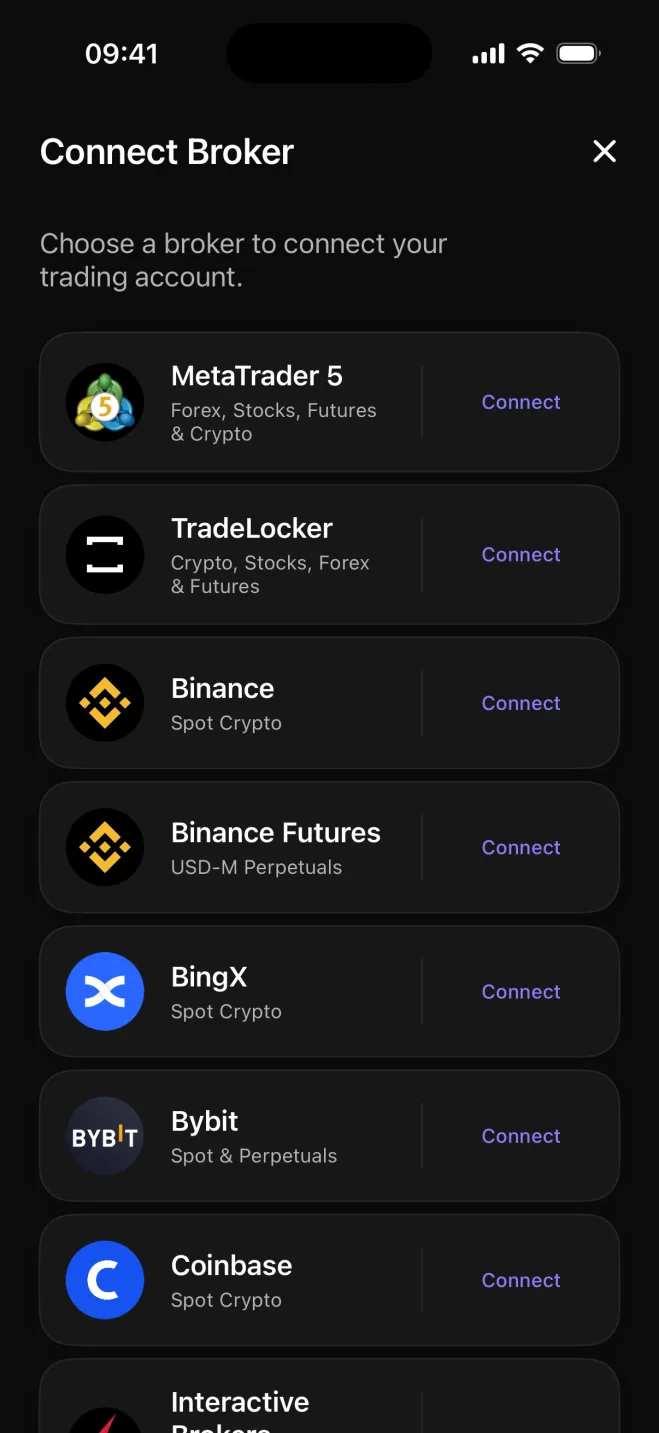
Broker sync is part of Premium, which comes with a 7-day free trial on the yearly plan and can be bought in the iPhone app or on the web.
What the results show, pair by pair
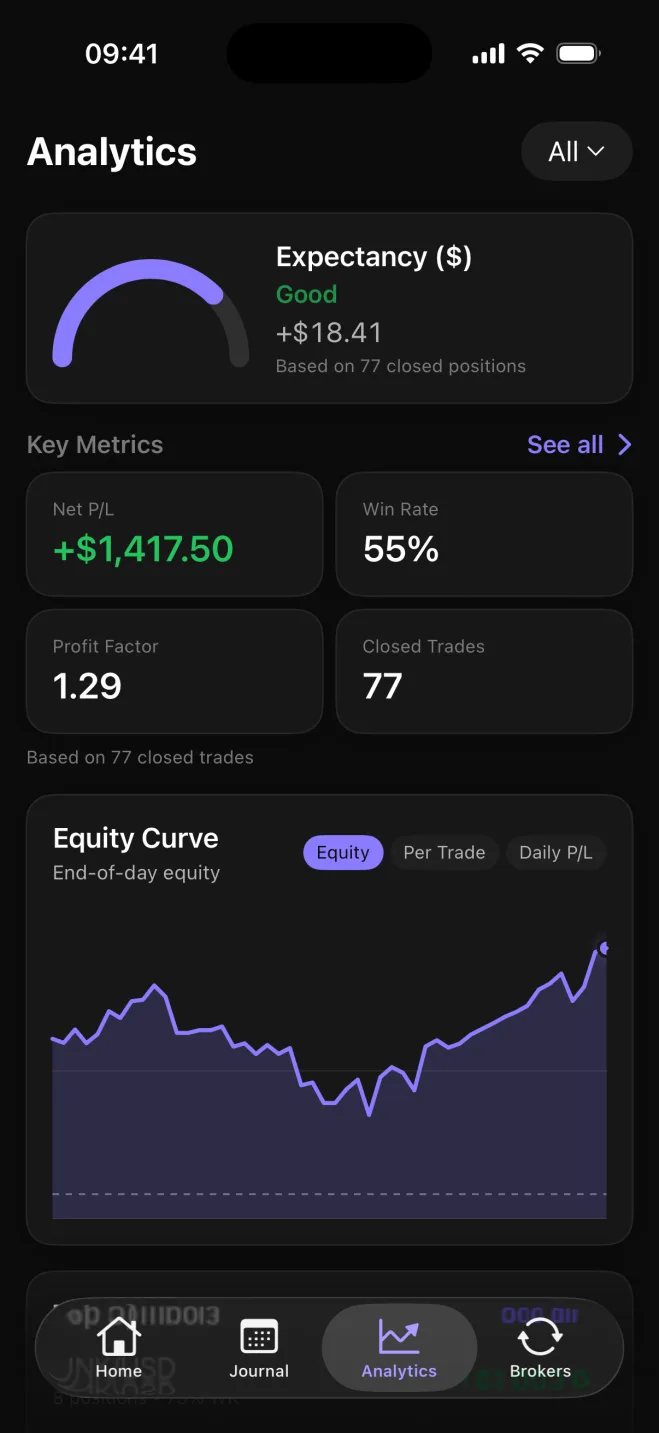
Once the trades are in, Analytics breaks every figure down by symbol, so EUR/USD, GBP/JPY and USD/CHF each get their own net P&L and win rate. Net and gross P&L are both there, along with the win rate (the share of closed trades that made money) and the average win against the average loss. Set a starting balance and it adds drawdown, the fall from the account's high point.
If a pair keeps losing, it shows up in its own row and you can decide whether to keep trading it.
The same figures split by direction too, so you can see whether it is your longs or your shorts that lose money. They also split by setup, the tag you put on each trade, and by playbook, a named group of setups, so you can see which setup actually pays and compare one playbook against another.
Is a spreadsheet enough, or do you need a journal app?
A spreadsheet is enough if you trade one pair a few times a month and like owning the formulas. Once you trade several pairs, run more than one account or close more than a handful of trades a week, the formulas and the rows multiply, and the totals lag until you catch the sheet up.
Every pair needs its contract size entered and a formula that values a 0.3-lot trade correctly in the right currency. Each MetaTrader 5 fill is copied over by hand, with its volume, direction and profit. Results by pair, long against short, and setup against setup are pivot tables you build, and rebuild when the sheet changes.
Astro does all three of those for you: it keeps the contract size with each pair, brings the fills in through sync, and already breaks the results down by pair, direction and setup.
The sync is the paid part, and the rest of the journal is free. Premium adds the MetaTrader 5 and TradeLocker connection and unlimited AI Reviews. Each review looks at your closed trades or the tags you put on them and suggests one small experiment to try next, with the metric to watch.
Sources
- 1.MetaQuotes, “Executing Trades - Trading Operations - MetaTrader 5 Help,” metatrader5.com
- 2.MetaQuotes, “Market Watch - Trading Operations - MetaTrader 5 Help,” metatrader5.com