Read-only API connection
Astro connects to OKX with a read-only API key, so Astro can read your trade history and cannot place orders.
Add your OKX read-only API key in the Astro iOS app and your spot trades pull into the journal automatically, sized in units per coin and ready to review by coin, direction, and setup.
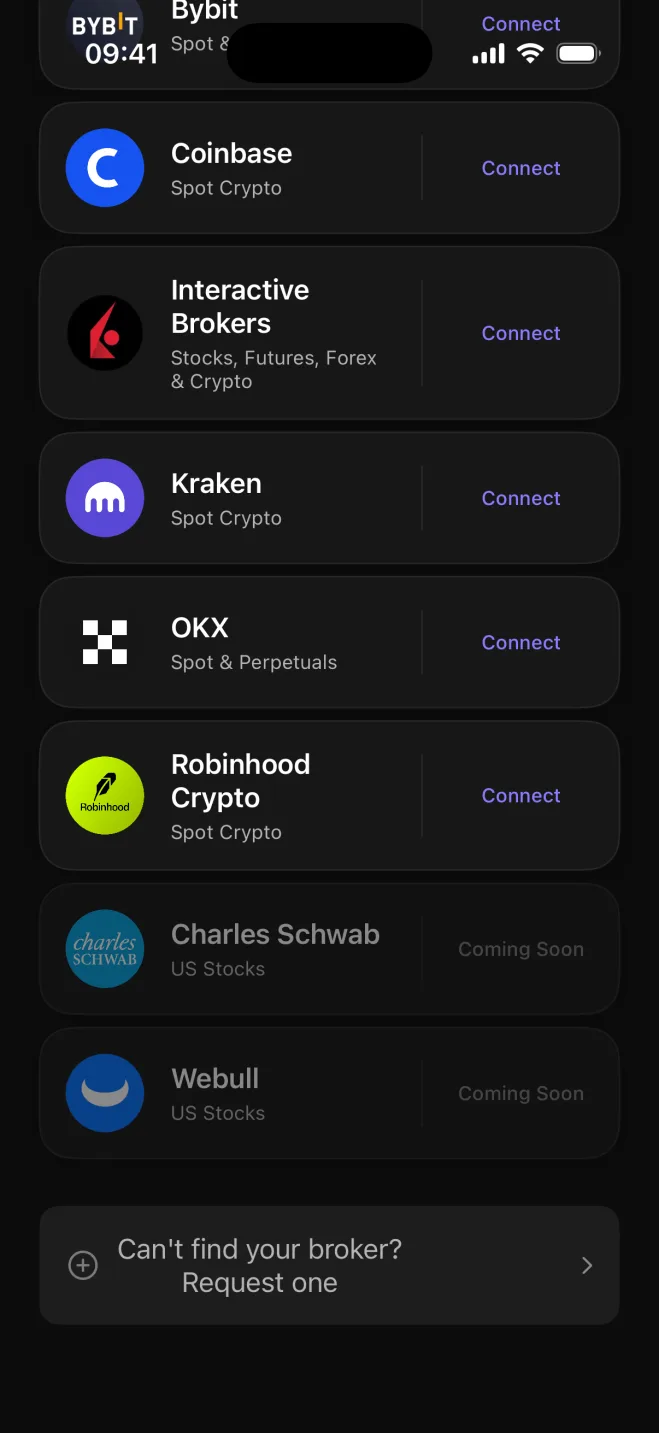

OKX covers a wide range of spot markets, and active traders there often have history spread across many different coins and USDT pairs. Astro reads that history through a read-only API key and builds the journal for you, so every trade is already in place rather than waiting in an export file.
The connection is read-only by design. Astro only needs permission to read your trade history, never the ability to place, change, or cancel orders. Setting it up takes a couple of minutes in the Astro iOS app, and new trades sync in from there.
Each OKX spot trade lands in the journal with its size recorded in units of the coin you traded, which is how OKX records it and how the math actually works. A BTC position is sized in BTC. A SOL trade is in SOL. Astro keeps the sizing model honest rather than flattening everything into a single unit.
Astro journals your OKX spot trades in units of the coin. If you trade spot across a broad selection of altcoins on OKX, that is exactly what Astro is built to review.
When you trade across many coins, it gets hard to know which ones are genuinely contributing and which are just adding activity to the log. Astro lets you break results down by coin, direction, setup, and playbook, so the picture across a wide altcoin spread becomes legible.
Tag each trade with the setup behind it, group related setups into playbooks, and add a reflection note when a trade is worth recording for later. A reporting currency keeps totals consistent across pairs that settle in different quote currencies.
Astro connects to OKX with a read-only API key, so Astro can read your trade history and cannot place orders.
Each trade is sized in units of the coin, matching how OKX records it at the exchange level.
See which coins in your OKX history are actually working and which are adding noise to the account.
Filter and compare results by long vs. short, by setup, and by playbook across your full trade history.
Tag a setup on each trade, group related setups into playbooks, and add a reflection note when it matters.
Each trade keeps its own currency, and a reporting currency rolls totals up consistently across pairs.
Astro runs on both web and iOS from one shared account, so your OKX trades, setups, and notes appear in both places. Connecting OKX is available in the iOS app today, with web-based connection coming soon.
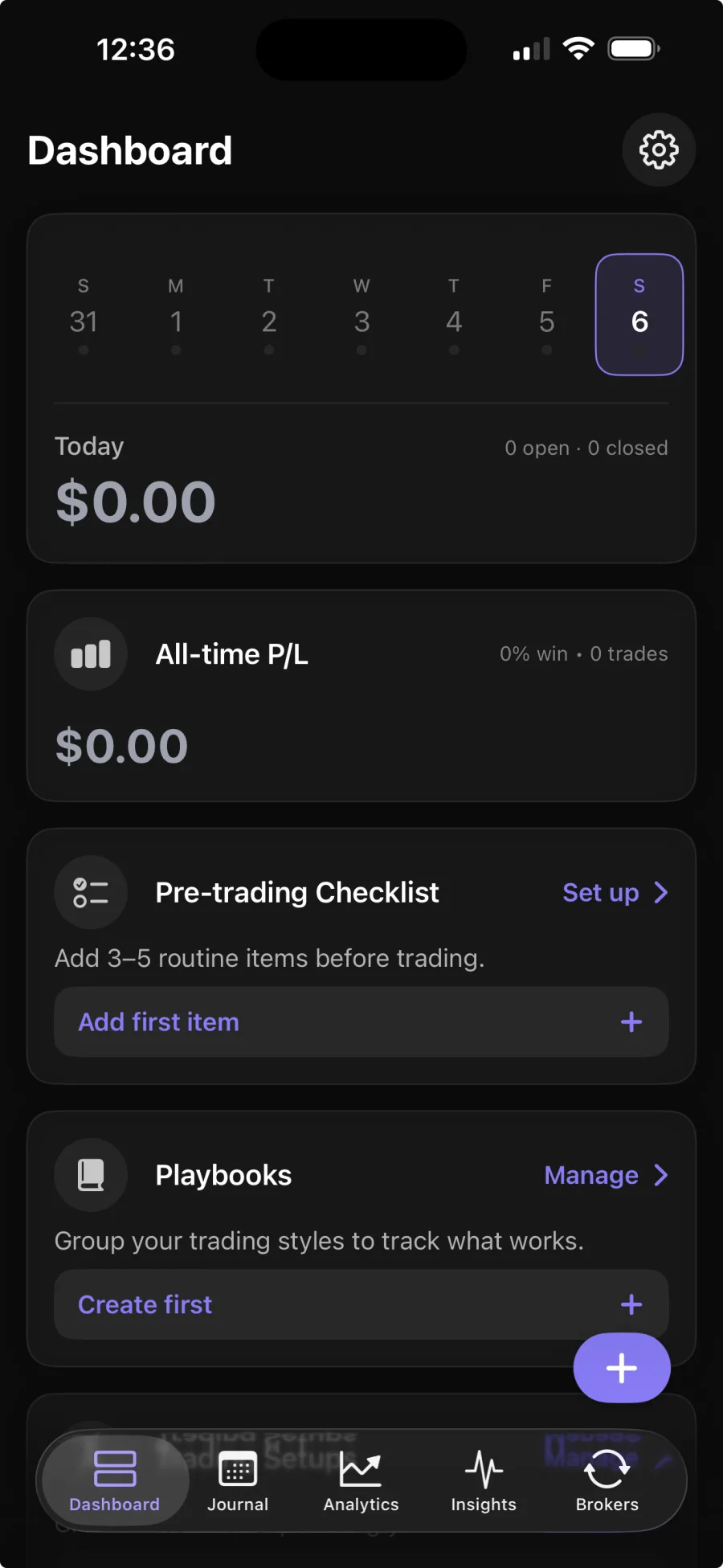
You generate a read-only API key on OKX and add it in the Astro iOS app. Astro reads your spot trade history through that key and keeps the journal current. Broker sync is part of Premium; the core journal is free.
No. Astro only reads your trade history to build the journal. It never places, changes, or cancels orders, and the read-only API key makes that impossible at the exchange level.
In units of the coin you traded, which is how OKX records spot trades. A BTC position is sized in BTC, a SOL position in SOL.
Yes. Astro is a full product on both web and iOS from one shared account. Once your trades sync through the iOS app, the complete journal is available on the web as well.