Read-only API connection
Connect with a Binance read-only API key so Astro can read your trade history with no access to orders or funds.
Connect Binance with read-only API keys and Astro pulls your completed spot and futures trades into a structured journal, grouped by coin, setup, and direction.
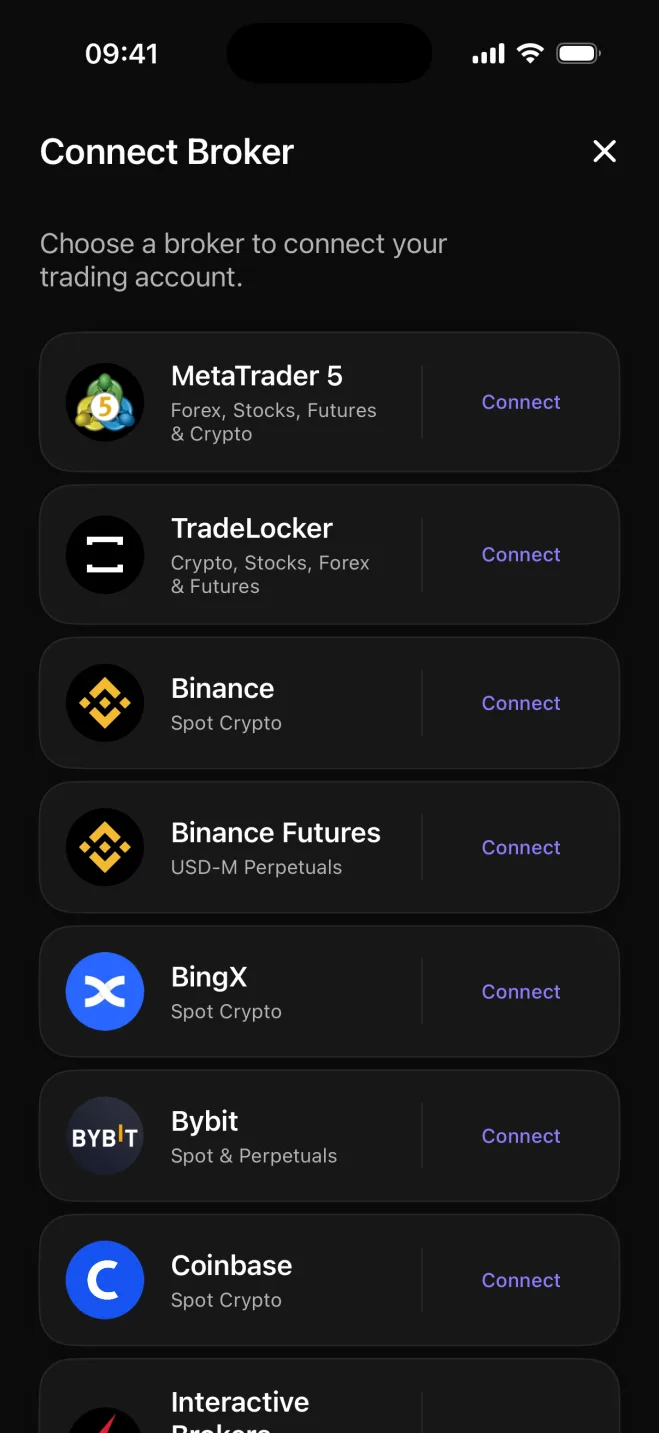

Binance is the world's largest crypto exchange by volume, and active spot traders there can accumulate hundreds of fills across dozens of coins in a short stretch of time. The raw trade history is dense: coin after coin, pair after pair, with USDT, USDC, and FDUSD quoted pairs mixed together. Getting a clear picture of which coins and setups are actually working takes more than scrolling through account history.
Astro connects to Binance through read-only API keys, reads your completed spot and futures trades, and organizes them into a journal where every fill is in the right place. Spot fills are sized in units of the coin and quoted in the currency they actually settled in.
Astro records each Binance spot trade in units of the coin, so a BTC/USDT position shows how many bitcoin you bought or sold and what that worked out to in USDT. Nothing is converted to a single currency on the way in. Pairs quoted in USDC or FDUSD stay in their own currency, and a reporting currency rolls the whole account up correctly at review time.
Because the connection uses read-only API keys, Astro only ever reads your completed trade history. It has no access to place orders, adjust open positions, or touch your funds.
Once your trades are in, group results by coin, direction, setup, and playbook to see which parts of your Binance activity actually move the account: whether certain altcoins suit you better than others, how your long-side performance compares to your short-side, and how one setup cluster stacks up against the rest.
Tag each trade with the setup behind it, gather related setups into playbooks, and add a reflection note when a trade is worth a second look. Over time the journal builds a clear record of what works in your Binance workflow and what does not.
Connect with a Binance read-only API key so Astro can read your trade history with no access to orders or funds.
Every position is recorded in units of the coin, the way you actually traded it, not converted to a common denominator.
USDT, USDC, and FDUSD quoted pairs each keep their own currency, with a reporting currency rolling totals up correctly.
Break performance down by coin, direction, setup, and playbook to see what is actually shaping the account.
Tag a setup on each trade, group related setups into a playbook, and add a reflection note when a trade deserves one.
The same trades, setups, and notes are available on both web and iOS from a single shared account.
Connecting Binance is done in the Astro iOS app today, and the journal is shared: one account, the same trades and notes on both web and iOS. Web-based Binance connection is on the roadmap.
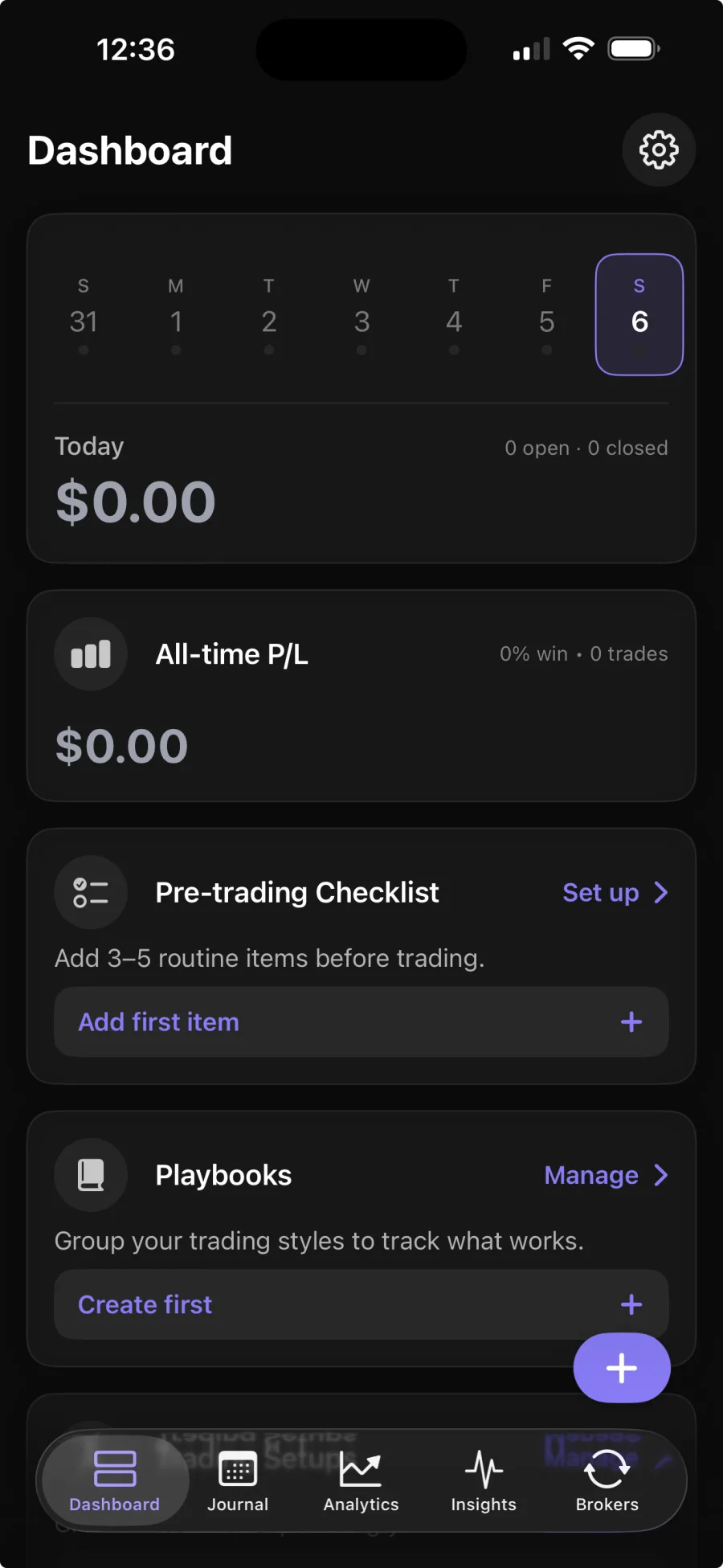
You create a read-only API key in Binance, add it in the Astro iOS app, and Astro reads your completed trade history from there. The key is read-only, so it has no access to place or cancel orders. Broker sync is part of Premium; the core journal is free.
No. Astro only reads your completed trade history to build the journal. The API key is read-only, so Astro cannot place, change, or cancel any order on your account.
In units of the coin, the way you traded them. A BTC/USDT trade records how many bitcoin you bought or sold and at what price in USDT, keeping the pair's native denomination rather than converting everything to one currency.
Yes. Astro is a full product on both web and iOS, sharing one account. Once your Binance trades are synced through the iOS app, the full journal, including your coins, setups, and notes, is available on both platforms.