Prop Firm Trading Journal: Review Trades and Drawdown
A prop firm trading journal is your own record of an evaluation or funded account: every trade, your drawdown and the setups behind them. Astro Trading Journal keeps that record on the web and on iPhone, and manual entry is free. 1
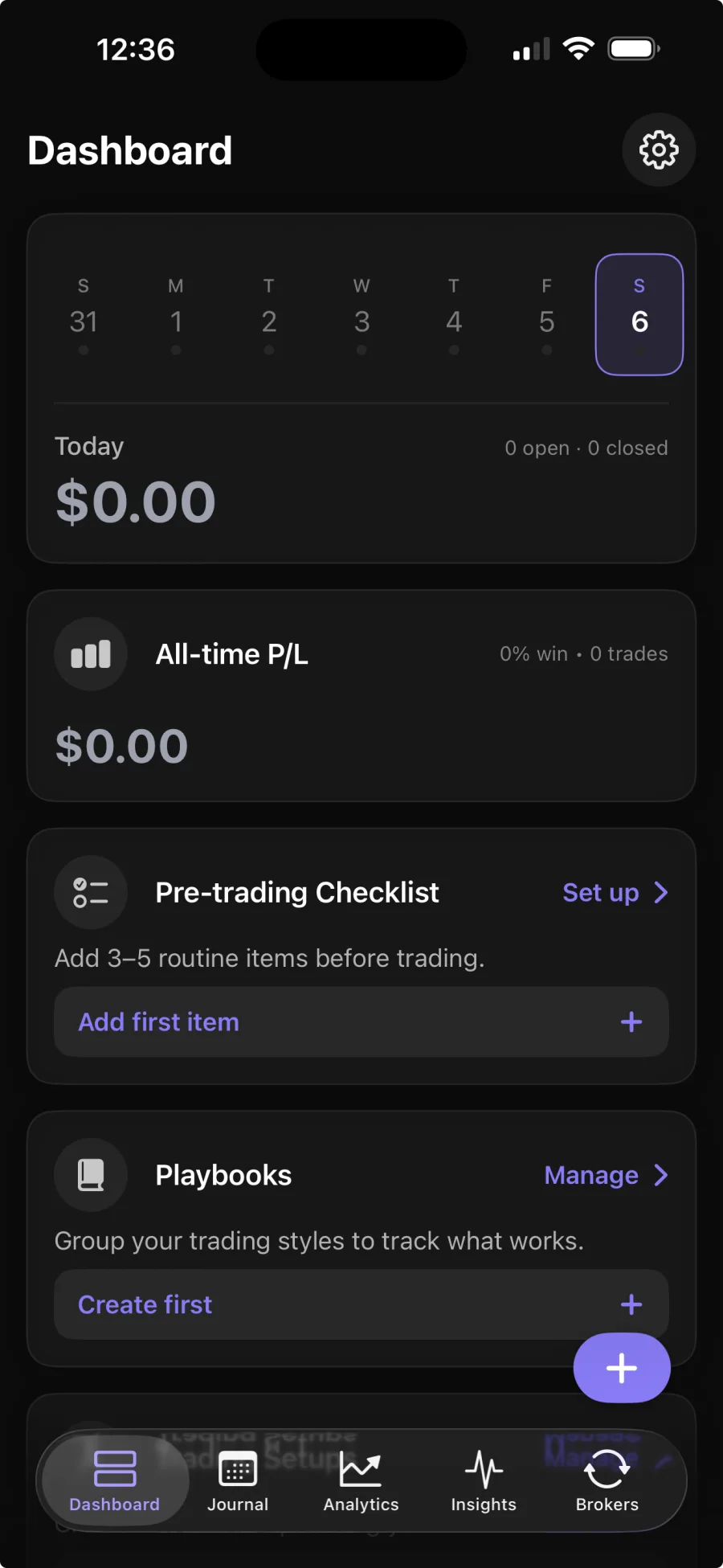
Review the trading record behind the evaluation
Astro lets you build the journal by hand, so you can start recording trades without connecting a broker. A trade can keep the details needed for review, including the instrument, direction, size, entry, exit, fees and time. That gives you a consistent record even for an evaluation account you'd rather not connect.1
From that history, you can review net and gross P&L, win rate, average win versus average loss, and breakdowns by symbol, asset class, direction and setup. If you enter a starting balance, Astro can also calculate account-level metrics such as drawdown.
You can name the setups you trade, attach trades to playbooks and compare those playbooks side by side. For a prop firm trader, that makes it easier to tell one bad session apart from a setup that keeps failing the same way.
Start manually for free, then add broker sync if it saves work
You don't need broker sync to use Astro as a prop firm trading journal. The free journal includes manual trade entry, analytics, playbooks, notes and reflections, so you can enter evaluation trades yourself and review them without a paid subscription.1
Premium adds broker sync, which brings trade fills into the journal automatically from a supported broker or exchange. MetaTrader 5 and TradeLocker connect today and more are being added; the broker list shows the current platforms.1,2
The web app and iOS app share one Astro account and journal, so you can review trades at your desk and pick up the same record on your iPhone.1
Sources
- 1.Astro Trading Journal, “Astro Trading Journal Pricing,” tradingastro.com
- 2.Astro Trading Journal, “Astro Supported Brokers,” tradingastro.com