Forex in lots
Trades are recorded in lots with the matching contract size.
Astro Trade records your forex trades in lots with the right contract size, syncs them from MetaTrader 5 and TradeLocker, and breaks performance down by pair, setup, and direction.
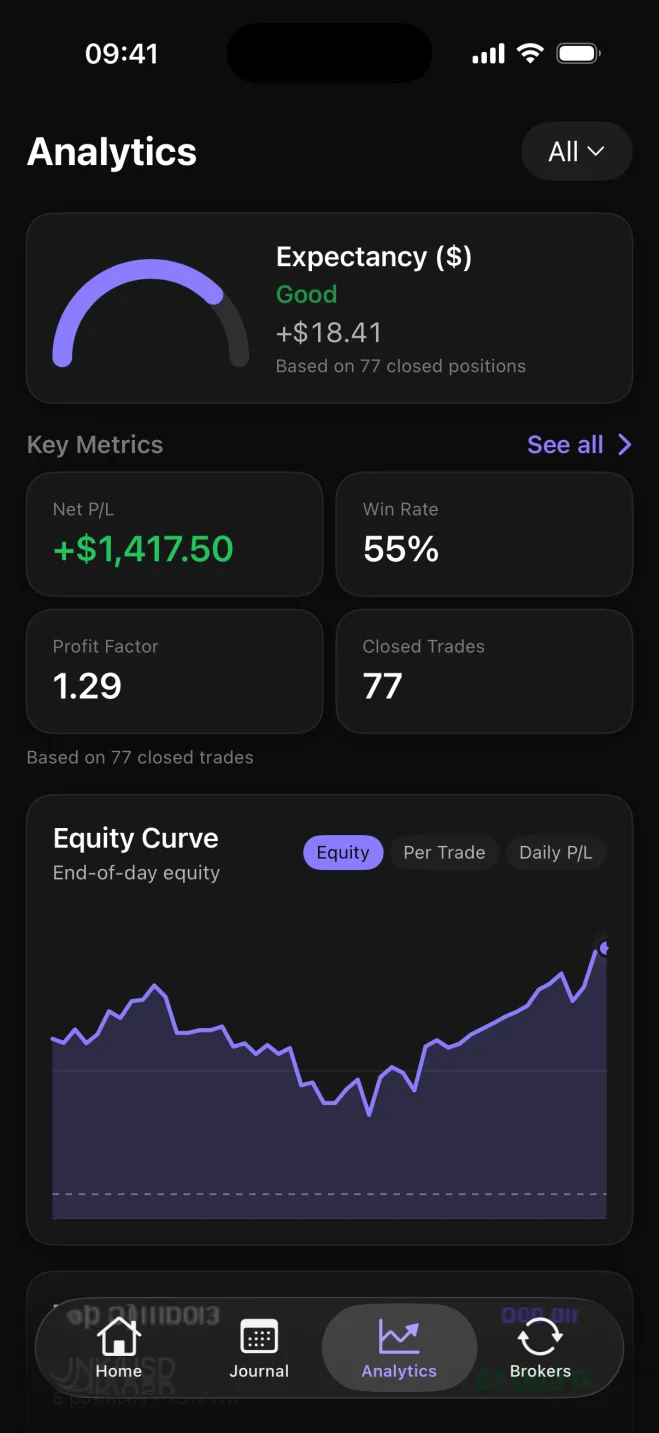
Astro Trade treats forex as its own instrument. Trades are recorded in lots with the contract size that matches the symbol, so a EUR/USD position is sized and valued the way you actually traded it.
Every instrument keeps the sizing that fits it, instead of forcing everything into one model: stocks in shares, futures in contracts with a point value, crypto in units, plus stock and futures CFDs.
Connect MetaTrader 5 or TradeLocker and Astro Trade syncs your forex trades automatically, so the journal fills itself instead of asking you to retype fills.
Each position comes in as lots with its contract size, along with the pair and direction, and its result is kept in the currency it settled in, so a yen-quoted cross and a dollar major still add up correctly side by side.
Group your results by pair, direction, setup, and playbook to see the things that actually shape a forex account: whether majors suit you better than crosses, how EUR/USD stacks up against GBP/JPY, and whether your shorts hold up as well as your longs.
Tag each trade with the setup behind it, gather related setups into playbooks, and leave a short note when a pair did something worth remembering.
Trades are recorded in lots with the matching contract size.
Stocks in shares, futures in contracts with a point value, crypto in units, plus stock and futures CFDs.
Connect MetaTrader 5 or TradeLocker to bring trades in automatically.
Break performance down by symbol, direction, setup, and playbook.
Tag setups, group them into playbooks, and add a reflection when a trade is worth a note.
Each trade keeps its own currency, and a reporting currency rolls totals up consistently.
Your forex book is the same on web and iOS: one account, the same trades. Check a position from the desk or from your phone between sessions, and the history is already there.
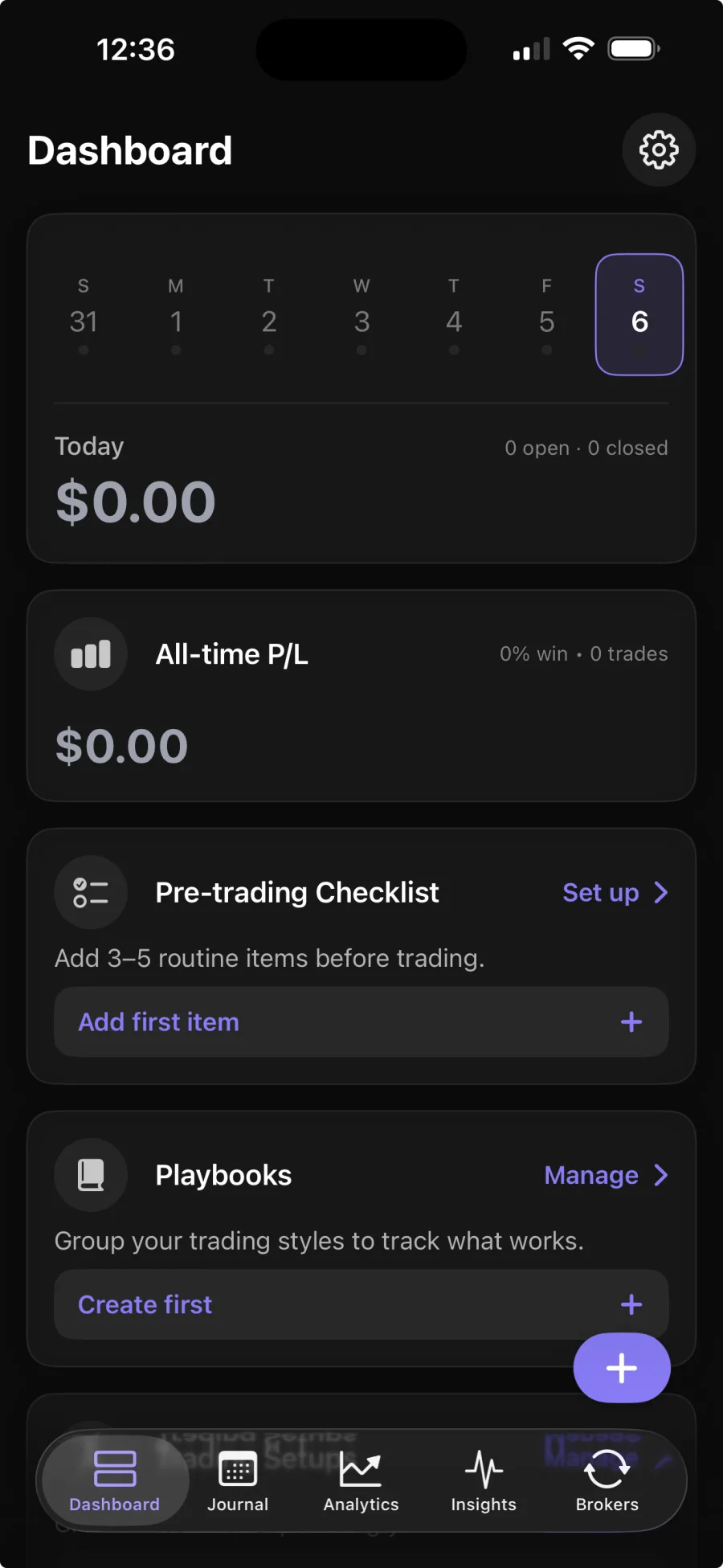
Yes. Forex is a first-class instrument: trades are recorded in lots with the matching contract size, alongside stocks, futures, crypto, and CFDs.
Connect a supported broker and your trades sync in automatically. Broker sync is part of Premium; the core journal is free.
MetaTrader 5 and TradeLocker are supported for automatic forex sync, with Interactive Brokers coming soon.
Each trade keeps the currency it was traded in, so P&L stays correct across pairs, and you can set a reporting currency to roll totals up consistently.
Yes. The web and iOS apps share one account and the same trades, so your pairs, setups, and notes are waiting in both places.