Recorded in shares
Stock trades are kept in shares at the size you traded, with symbol and direction attached.
A stock journal that keeps your trades in shares with the setup and playbook behind them, and makes review about patterns instead of data entry.
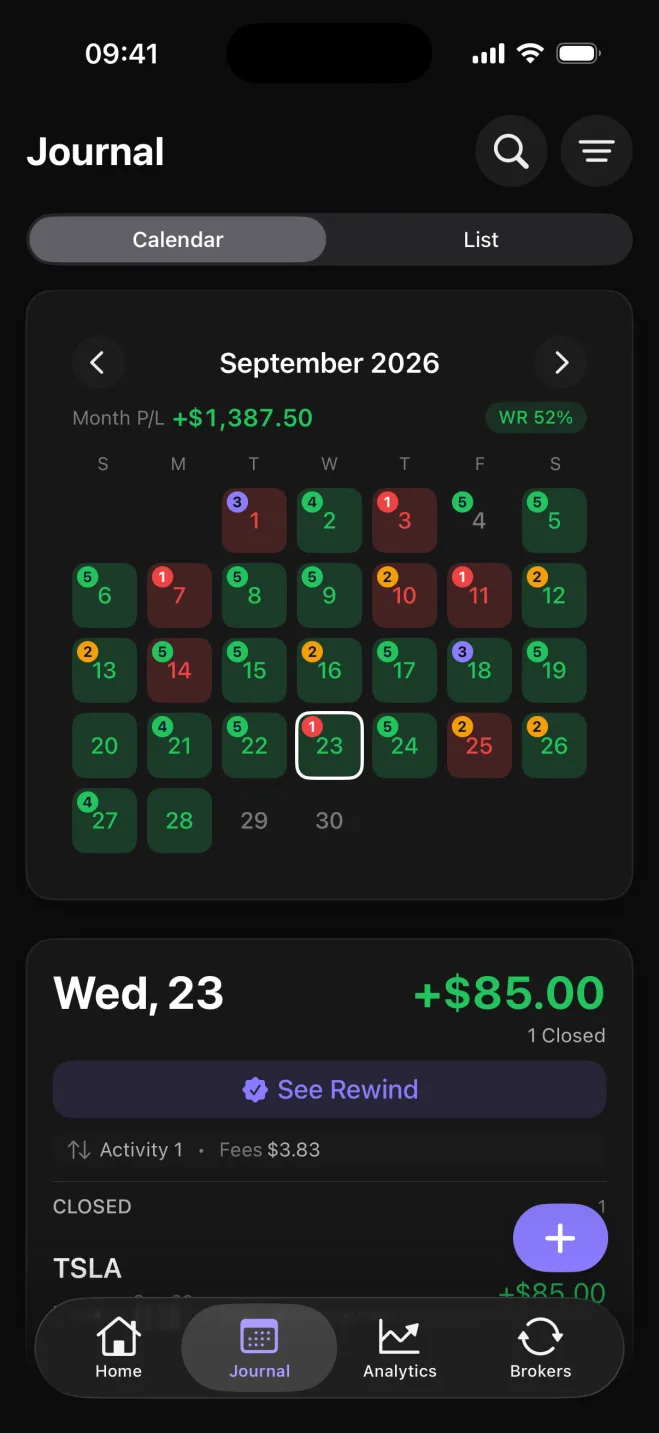
A stock journal is most useful when it remembers the thinking behind the trade as well as the fill. Astro Trade keeps every stock trade with its setup and playbook, so review is about why a trade worked rather than what you typed into a cell.
Trades are recorded in shares at the size you actually traded, with symbol and direction attached, so the record matches what really happened in the account.
MetaTrader 5 and TradeLocker sync automatically today, along with seven crypto exchanges in the iOS app, so the journal fills itself instead of asking you to retype fills.
Prefer to log trades by hand, or trade somewhere you would rather not connect? Add stock trades manually and review them exactly the same way.
Break performance down by symbol, direction, setup, and playbook to see which names you actually trade well, whether momentum suits you better than pullbacks, and whether your short book pulls its weight or just your longs.
Tag the setups you trade, collect them into playbooks, and add a short note when a name did something worth remembering.
Stock trades are kept in shares at the size you traded, with symbol and direction attached.
Every trade carries the setup and playbook behind it, so review covers your reasoning as well as the entries.
Connect MetaTrader 5 or TradeLocker to bring trades in automatically.
Log stock trades manually and review them the same way as synced trades.
Break performance down by symbol, direction, setup, and playbook.
Each trade keeps its own currency, and a reporting currency rolls totals up consistently.
The same stock journal is on web and iOS, one account and the same trades, so a name you reviewed on the big screen is in your pocket for the next session.
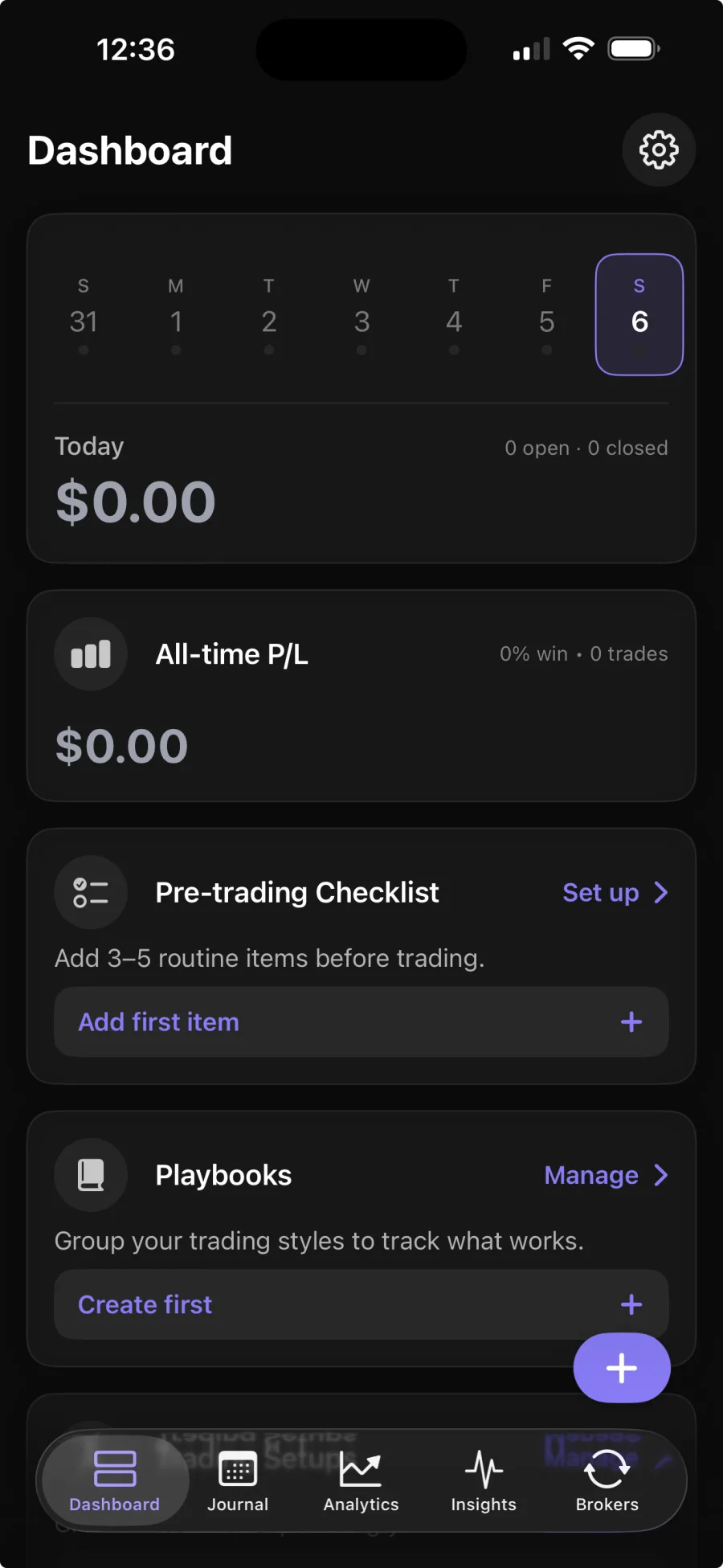
Yes. Astro Trade records stock trades in shares with their setup and playbook context, alongside forex, futures, crypto, and CFDs, so review is about patterns rather than data entry.
Interactive Brokers sync is coming soon. MetaTrader 5 and TradeLocker sync today, and you can add stock trades by hand. Broker sync is part of Premium; the core journal is free.
Yes. You can sync from a supported broker or add trades by hand, and review either the same way.
Astro Trade breaks performance down by symbol, direction, setup, and playbook, so you can see which setups and names you actually trade well.
Yes. The web and iOS apps share one account and the same trades, so your names, setups, and notes are in both places.