Read-only Flex sync, coming soon
Connect with a Flex token and query ID; Astro reads your history and never trades.
Interactive Brokers sync is coming soon: Astro will bring your stocks, futures, and forex into one journal through read-only Flex reports, each instrument modeled the way it actually trades.
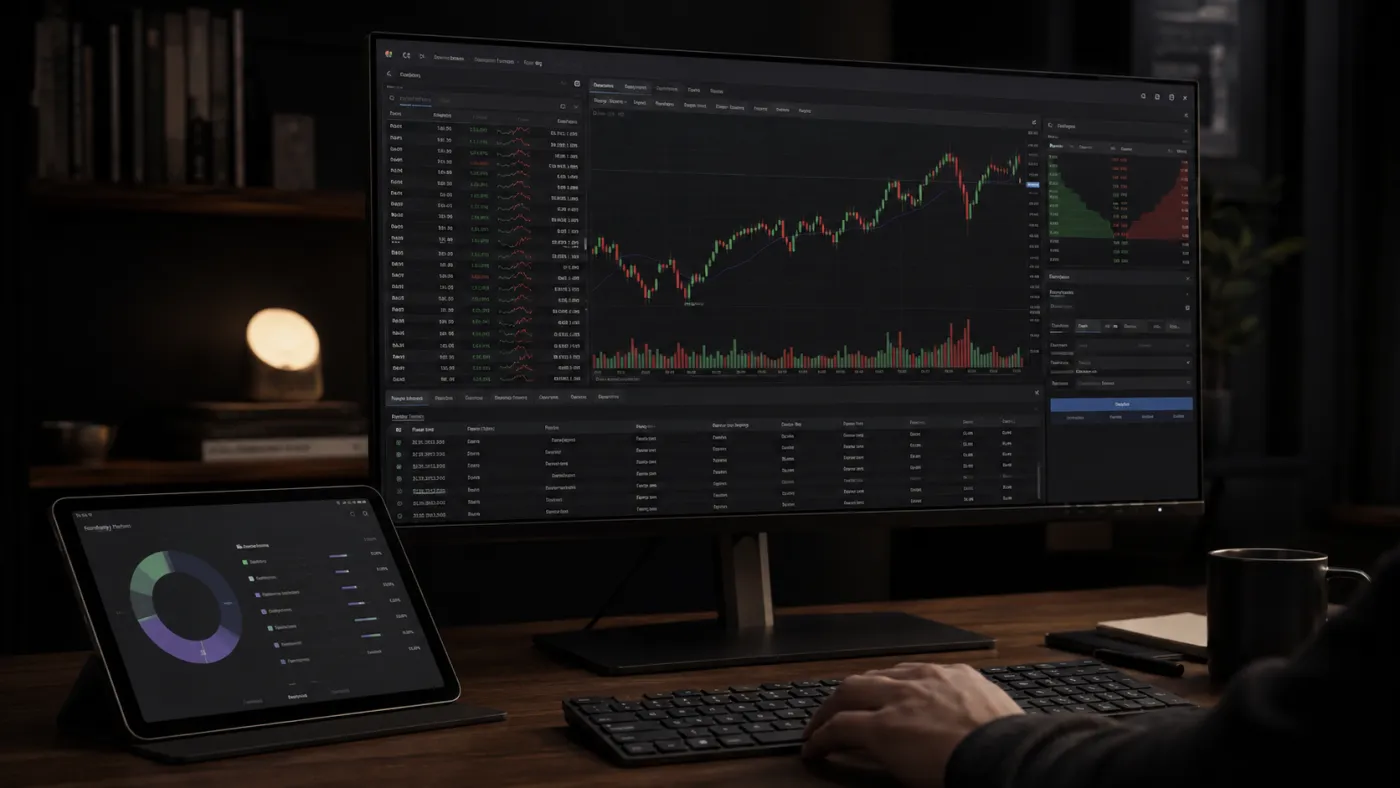

Interactive Brokers spans a lot of markets in a single account: stocks, futures, and forex, across the world. The catch is that most journals were built for one of those and treat the rest as an afterthought.
Astro will bring your IBKR activity into one journal and keep each instrument in the model that fits it, so a futures contract is not quietly logged as if it were a share.
Astro will connect through Interactive Brokers' Flex reporting, using a Flex token and query ID that grant read-only access to your trade history. That means Astro can build the journal from your real fills without ever being able to place, change, or cancel a trade.
Once connected, your history flows into the journal automatically, so review starts from a clean record instead of a stack of exported statements.
Stocks are recorded in shares, futures in contracts with the point value that matches the symbol, and forex in lots, so your profit and loss reflects how each instrument really moves. Nothing is flattened into a single one-size model.
From there, group results by symbol, asset class, direction, setup, and playbook to see which markets and setups are working for you on IBKR.
Connect with a Flex token and query ID; Astro reads your history and never trades.
Bring every IBKR market into one journal instead of separate tools.
Shares, contracts with point value, and lots, each kept in the model that fits it.
Break performance down by symbol, asset class, direction, setup, and playbook.
Tag setups, group them into playbooks, and add a reflection when a trade is worth a note.
Each trade keeps its own currency, and a reporting currency rolls totals up consistently.
Your IBKR journal is the same on web and iOS: one account, the same trades. Stocks, futures, and forex are all there, on the desk and on your phone.
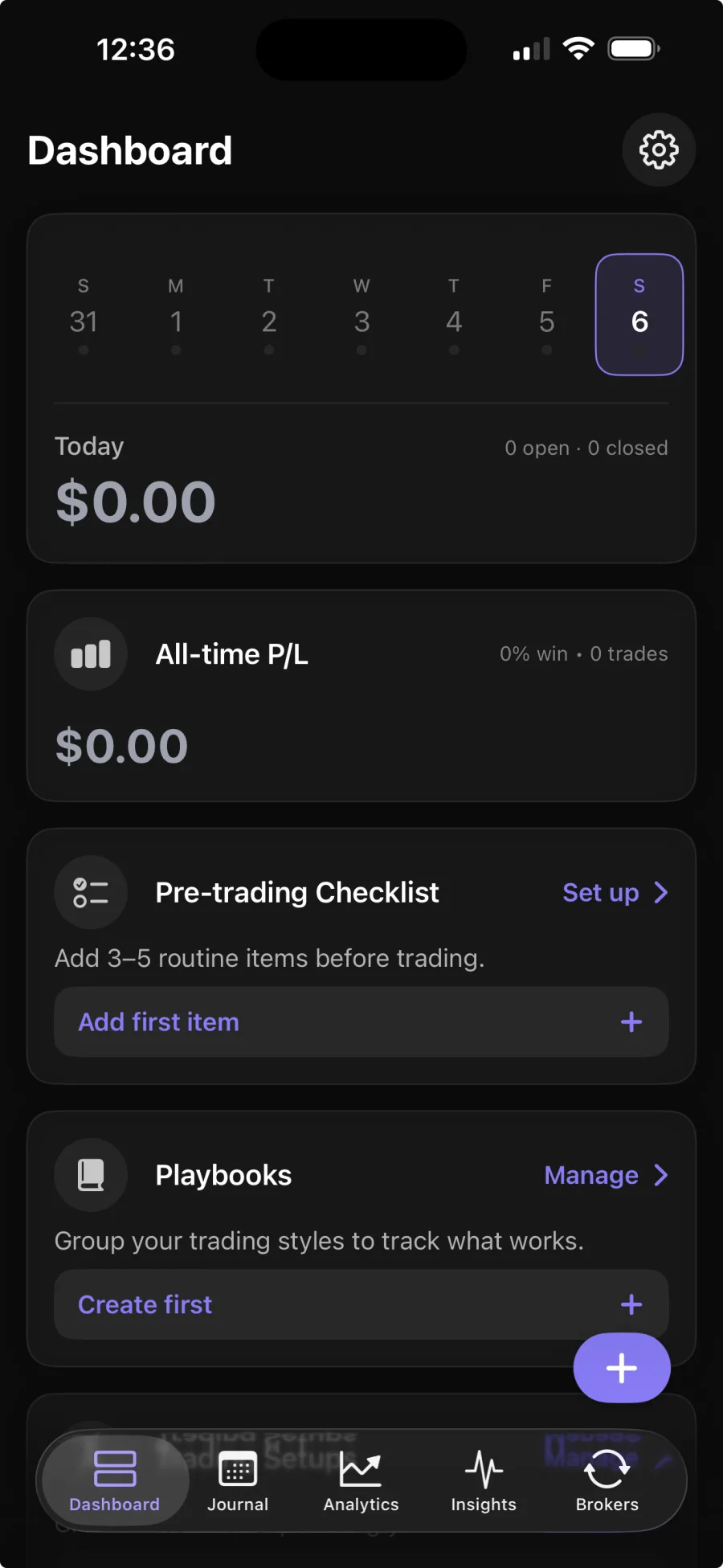
IBKR sync is coming soon, through IBKR's Flex reporting. You provide a Flex token and query ID, which give Astro read-only access to your trade history. Broker sync is part of Premium; the core journal is free.
No. Flex access is read-only, so Astro can build the journal from your fills but can never place, change, or cancel a trade.
Stocks in shares, futures in contracts with a point value, and forex in lots, each kept in the model that fits it rather than flattened into one.
Yes. The web and iOS apps share one account and the same trades, so your stocks, futures, and forex are waiting in both places.