Sync from your exchange
Connect Coinbase, Kraken, Binance, Bybit, OKX, BingX, or Robinhood Crypto in the iOS app and your trades come in automatically.
A crypto journal that fills itself from your exchange. Connect Coinbase, Kraken, Binance, and more, and Astro Trade keeps your trades organized so review starts from a clean record instead of a pile of CSV exports.
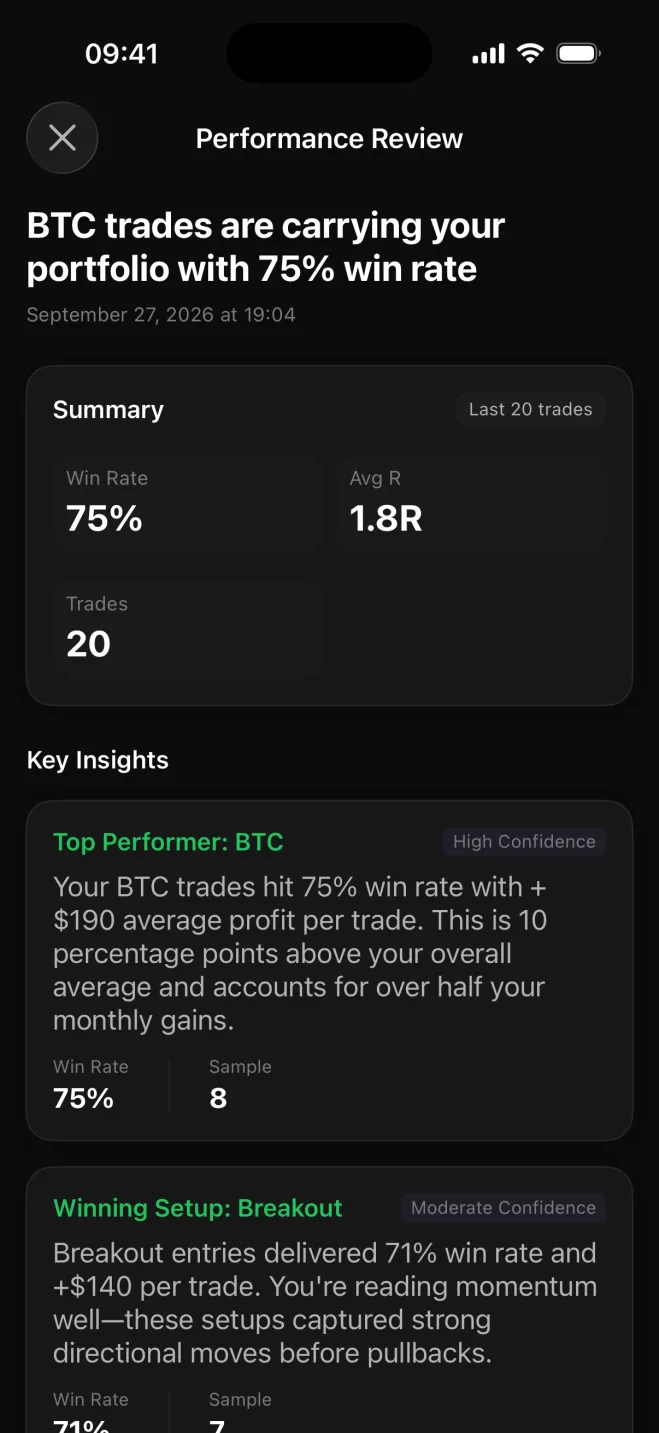
Crypto traders usually end up exporting CSVs from one exchange after another and stitching them together by hand. Astro Trade connects to your exchange directly, so your fills come in on their own and the journal stays current without the export-and-clean routine.
Connect Coinbase, Kraken, Binance, Bybit, OKX, BingX, or Robinhood Crypto in the Astro iOS app with read-only API keys, so the connection can read your trade history and nothing else. The synced trades show up in the web journal too.
Astro Trade records crypto in units, so a fractional position in BTC, ETH, or SOL is kept at the size you actually traded rather than rounded into something tidier.
Break performance down by coin, direction, setup, and playbook to see how a 24/7 book really behaves: majors against alts, how BTC compares with ETH or SOL, and whether the long bias most crypto traders carry is actually earning its keep.
Tag the setups you trade, collect them into playbooks, and add a short note when a coin did something worth remembering.
Connect Coinbase, Kraken, Binance, Bybit, OKX, BingX, or Robinhood Crypto in the iOS app and your trades come in automatically.
Exchange connections use read-only API keys, so Astro Trade can read your trade history and never place a trade.
Crypto is recorded in units, so fractional positions in BTC, ETH, or SOL stay at the size you traded.
Break performance down by symbol, direction, setup, and playbook.
Tag setups, group them into playbooks, and add a reflection when a trade is worth a note.
Each trade keeps its own currency, and a reporting currency rolls totals up consistently.
Web and iOS share one account and the same trades, so you can log a fill from your phone the moment it happens and review it on the web later.
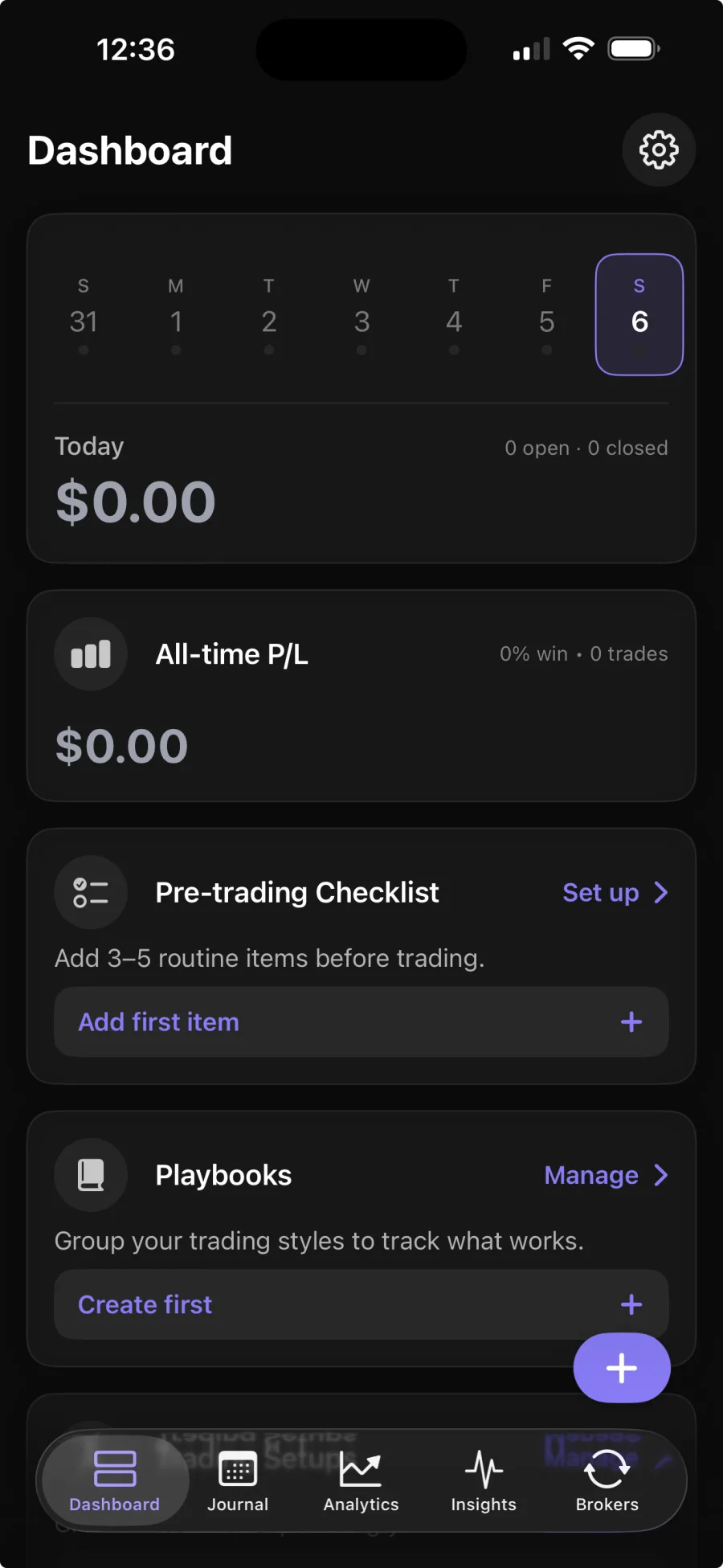
Coinbase, Kraken, Binance, Bybit, OKX, BingX, and Robinhood Crypto connect in the Astro iOS app, so your trades can sync in automatically with read-only API keys. Broker sync is part of Premium; the core journal is free.
No. Exchange connections use read-only API keys, so Astro Trade can read your trade history but can never place a trade or move funds.
Crypto is recorded in units, so a fractional position in BTC, ETH, or SOL is kept at the exact size you traded rather than rounded.
Yes. You can connect an exchange to sync automatically, or add crypto trades yourself, and review them the same way.
Yes. The web and iOS apps share one account and the same trades, so your coins, setups, and notes are in both places.