Server-side TradeLocker sync
Connect once and Astro keeps syncing in the background, separate from the terminal.
Connect TradeLocker once and Astro keeps a clean, automatic record of your trades, so prop-firm and modern-broker traders can review performance without touching execution.
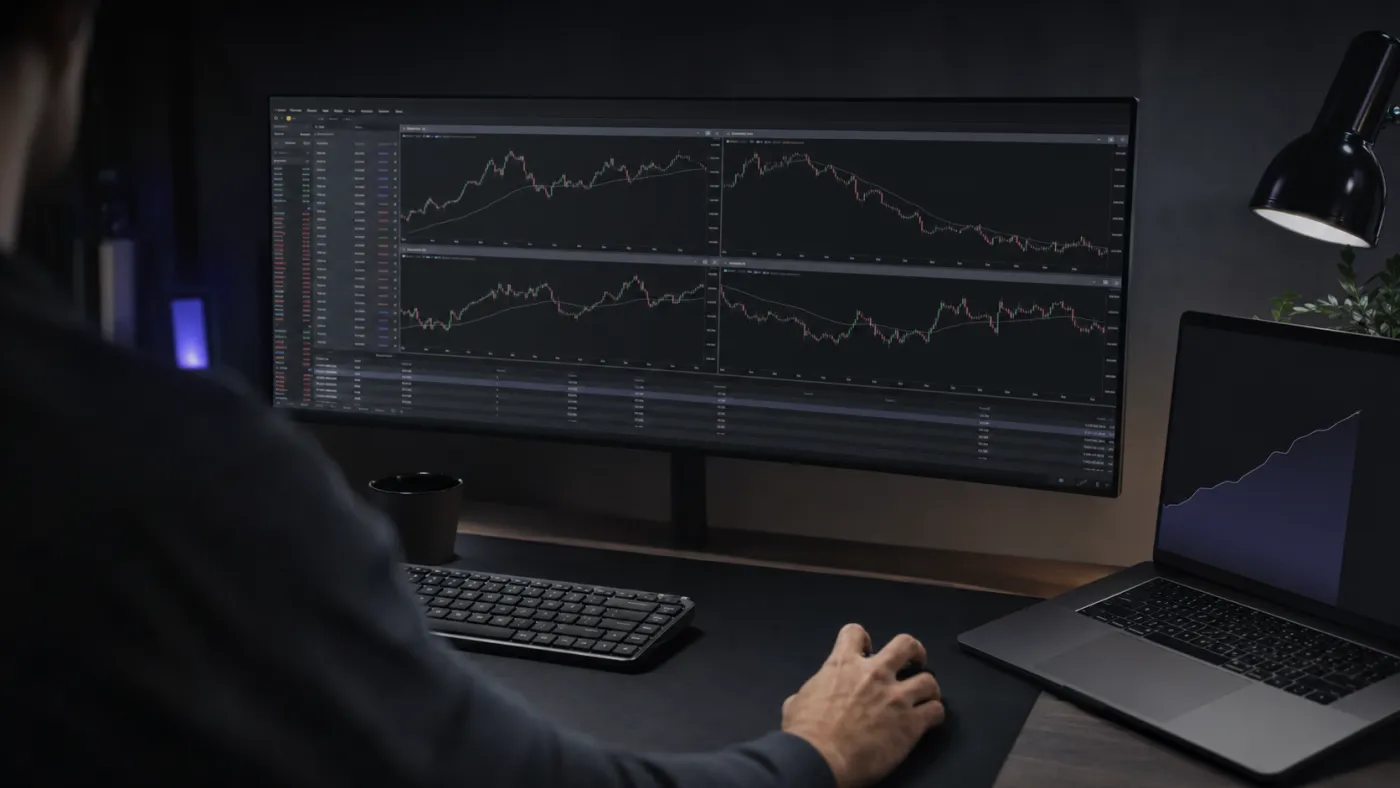

TradeLocker is the modern, web-based platform a growing number of brokers and prop firms run on. Astro connects to it directly, so your trades sync into the journal on their own instead of living only inside the trading terminal.
Connect once and Astro keeps the record current server-side. Entry, exit, size, and fees arrive already filled in, which keeps your review separate from execution and free of manual data entry.
A lot of TradeLocker traders are running prop-firm evaluations and funded accounts, where the discipline of an honest record matters most. Astro gives you one place to keep your trades, so an evaluation and the account that follows it read as one continuous record rather than scattered screenshots.
Group your results by symbol, direction, setup, and playbook to see which ideas actually carry the account and which ones quietly leak. Tag each trade with the setup behind it and gather related setups into playbooks.
When there is enough history to learn from, Astro writes a short review of what changed and what kept repeating, so patterns surface from your own trades rather than a wall of charts.
Connect once and Astro keeps syncing in the background, separate from the terminal.
Keep one continuous record across evaluation and funded accounts.
Break performance down by symbol, direction, setup, and playbook.
Tag setups, group them into playbooks, and add a reflection when a trade is worth a note.
Get a short written read on what changed and what kept repeating, once there is enough to learn from.
Each trade keeps its own currency, and a reporting currency rolls totals up consistently.
Your TradeLocker journal is the same on web and iOS: one account, the same trades. Log out of the desk and the record is already on your phone, evaluation and funded accounts together.
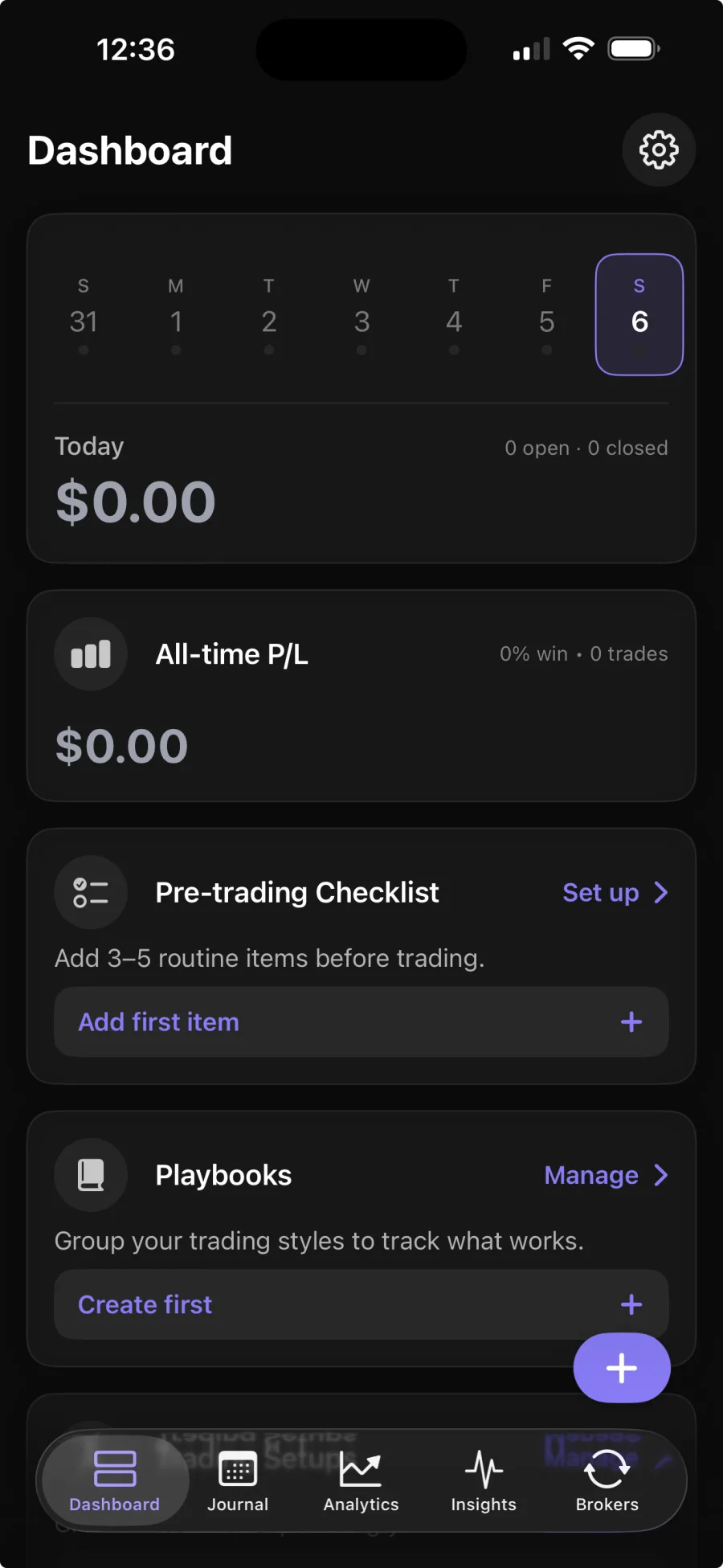
You connect your TradeLocker account once, and Astro syncs your trades server-side. Broker sync is part of Premium; the core journal is free.
No. Astro only reads your trade history to build the journal. It never places, changes, or cancels trades.
Yes. Astro keeps one continuous record across evaluation and funded accounts, so your review does not reset each time the account does.
Yes. The web and iOS apps share one account and the same trades, so your symbols, setups, and notes are waiting in both places.