Server-side MT5 sync
Connect once and Astro keeps syncing in the background, no terminal left running.
Connect MetaTrader 5 once and your forex and CFD trades flow into Astro on their own, sized in lots the way you traded them, ready to review by pair, setup, and direction.
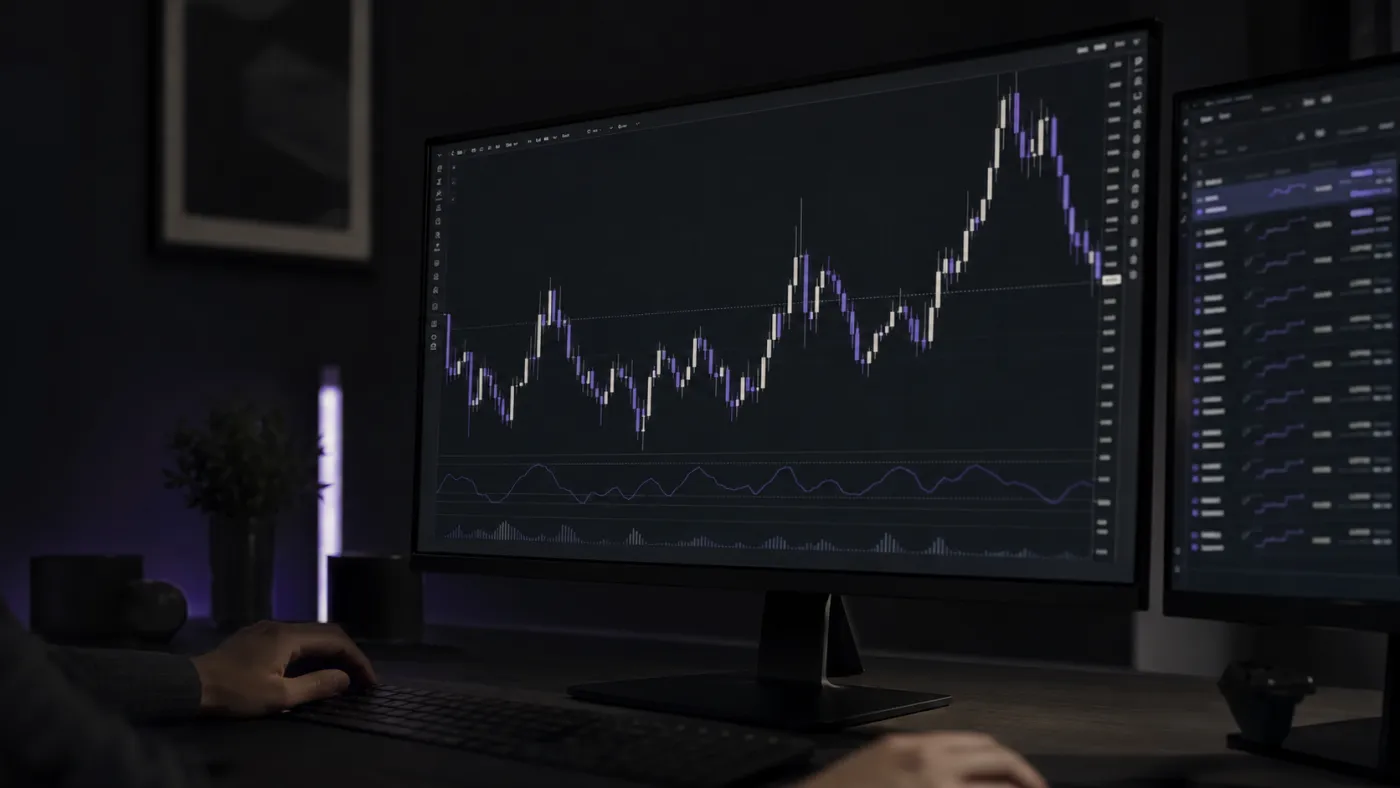

MetaTrader 5 is where a lot of forex and CFD traders live, so Astro treats it as a first-class connection. Add your MT5 account once and Astro keeps the journal current for you, instead of asking you to export account history and clean it up by hand.
Each fill arrives with its entry, exit, size, and fees already in place, so the journal reflects what you actually traded. The connection runs server-side, which means sync keeps working in the background rather than depending on your terminal being open.
Astro records your MT5 forex trades in lots with the contract size that matches the symbol, so a EUR/USD position is valued the way it really traded, not flattened into shares. CFDs, metals, and indices come across the same way, each kept in the model that fits it.
Because MT5 exposes the account itself, Astro can also bring in account-level context like balance, equity, margin, and leverage, so the journal lines up with the state your broker actually shows.
Once your trades are in, group results by pair, direction, setup, and playbook to see what really shapes the account: whether majors suit you better than crosses, how one pair stacks up against another, and whether your shorts hold up as well as your longs.
Tag each trade with the setup behind it, gather related setups into playbooks, and keep totals correct across pairs that settle in different currencies.
Connect once and Astro keeps syncing in the background, no terminal left running.
Trades are recorded in lots with the matching contract size, alongside CFDs, metals, and indices.
Balance, equity, margin, and leverage come across so the journal matches your real account.
Break performance down by pair, direction, setup, and playbook.
Tag setups, group them into playbooks, and add a reflection when a trade is worth a note.
Each trade keeps its own currency, and a reporting currency rolls totals up consistently.
Your MT5 journal is the same on web and iOS: one account, the same trades. Check a position from the desk or from your phone between sessions, and the history is already there.
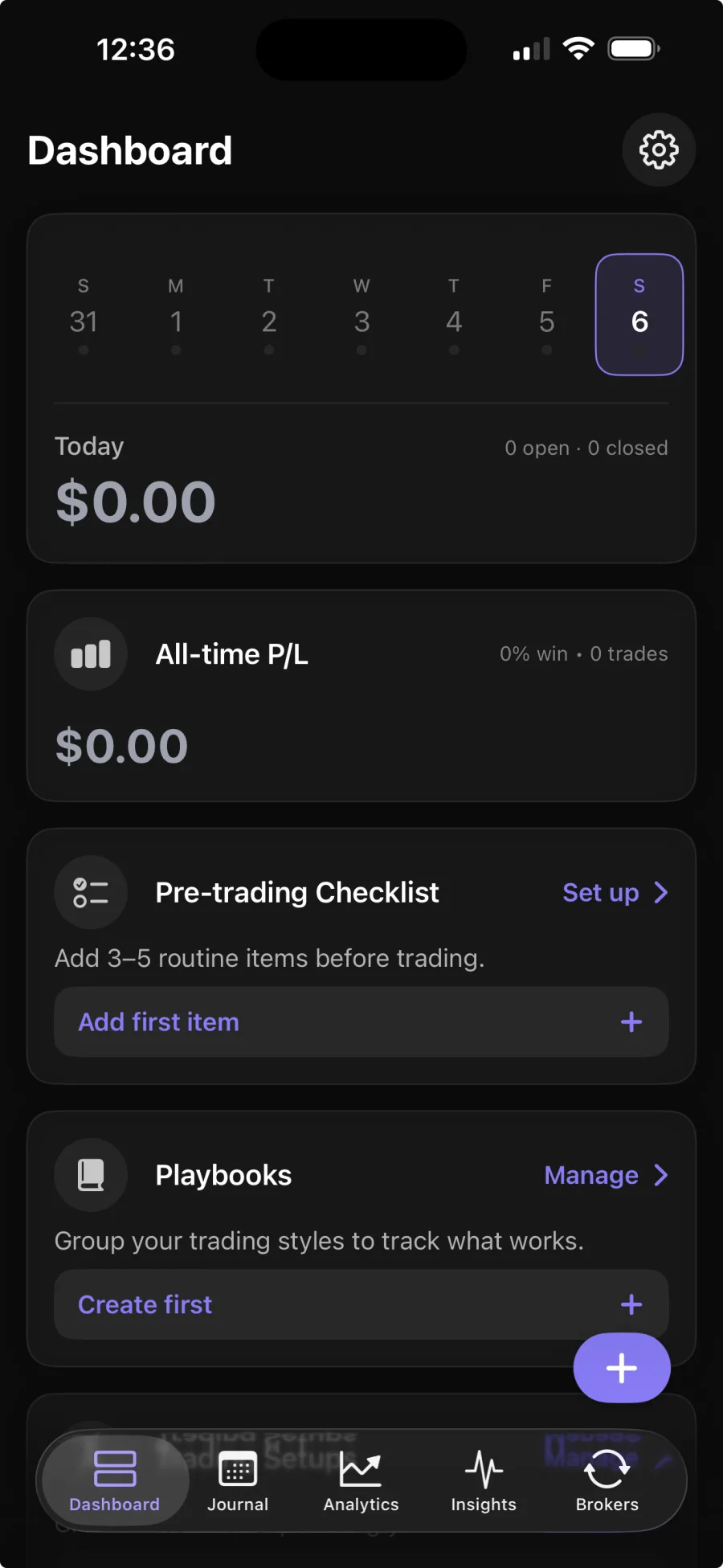
You add your MT5 account details once, and Astro syncs your trades server-side. Broker sync is part of Premium; the core journal is free.
No. Astro only reads your trade and account history to build the journal. It never places, changes, or cancels trades.
In lots with the contract size that matches the symbol, so your P&L reflects how the pair actually moved rather than a rough estimate.
Yes. The web and iOS apps share one account and the same trades, so your pairs, setups, and notes are waiting in both places.