Read-only API connection
Astro connects to Bybit with a read-only API key and never touches your orders or account balance.
Add a read-only Bybit API key in the Astro iOS app and your spot trades flow in automatically, sized in units per coin, organized by coin, setup, and direction.
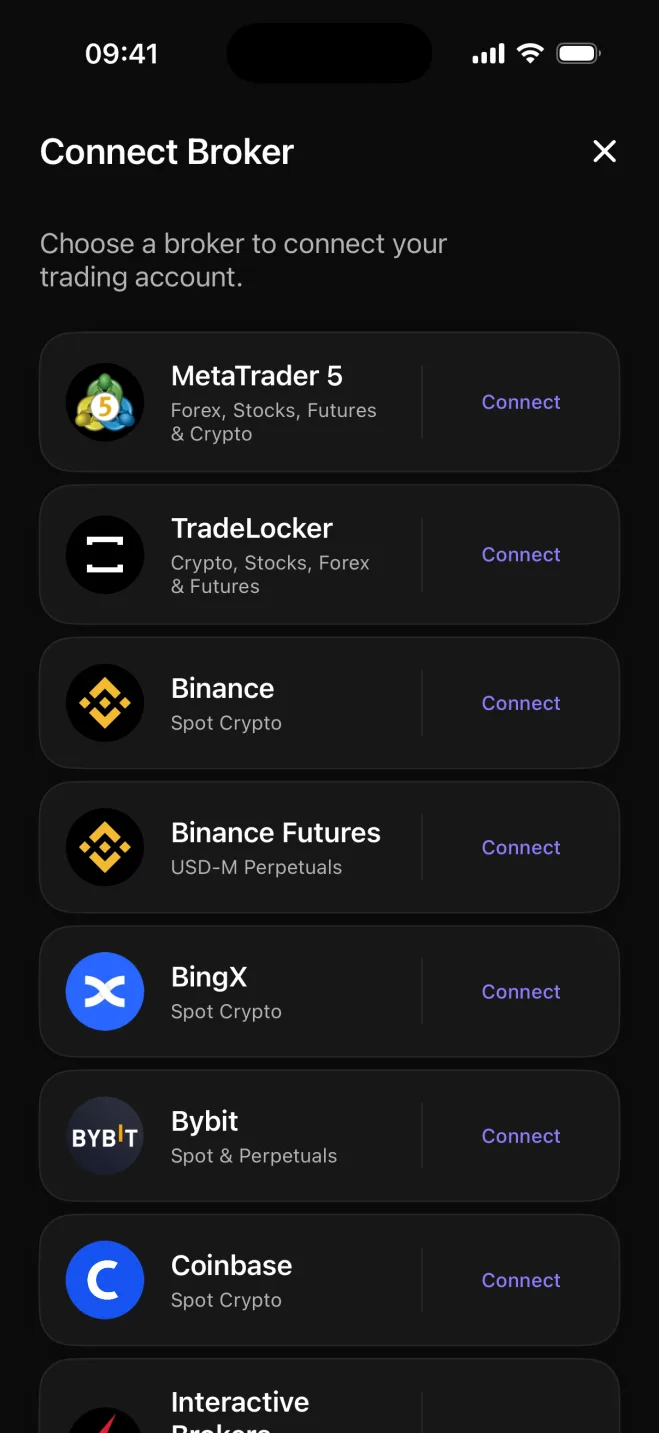

Bybit draws active traders who stack up a lot of fills across many coins, and a long history of activity on its own tells you little. Astro pulls in your Bybit spot trades using a read-only API key, adds them to a structured journal, and keeps the record current without any manual work.
The connection asks for read-only permission only. Astro never places, modifies, or cancels orders. It reads your trade history to build the journal and nothing more, so your account stays fully under your control.
Each Bybit trade arrives in Astro sized in units of the coin. A BTC buy is recorded as a quantity of BTC, not as a notional dollar amount rounded to something unrecognizable. That precision matters when you are comparing multiple fills on the same coin or tracking how a position built up over time.
Active Bybit traders tend to accumulate hundreds of fills across many coins. Astro groups that history by coin, direction, setup, and playbook, so you can see which coins actually move the account and which setups hold up over time rather than reading through a raw transaction list.
Tag each trade with the setup behind it, collect related setups into playbooks, and add a reflection note when a trade is worth revisiting. A reporting currency keeps totals consistent across USDT-quoted and other pairs so the numbers roll up correctly.
Astro connects to Bybit with a read-only API key and never touches your orders or account balance.
Every fill is recorded in units of the coin, so a BTC trade shows as a quantity of BTC.
Break performance down by coin, direction, setup, and playbook to see what actually drives results.
Tag each trade with a setup, group setups into playbooks, and add a reflection note when useful.
Each trade keeps its own currency, and a reporting currency rolls totals up consistently across pairs.
Your Bybit journal is the same on web and iOS: open either and the same trades and notes are there.
Your Bybit journal lives on one shared account across web and iOS, so your trades, setups, and notes are available in both places. Connecting Bybit is available in the Astro iOS app today, with web-based connection on the way.
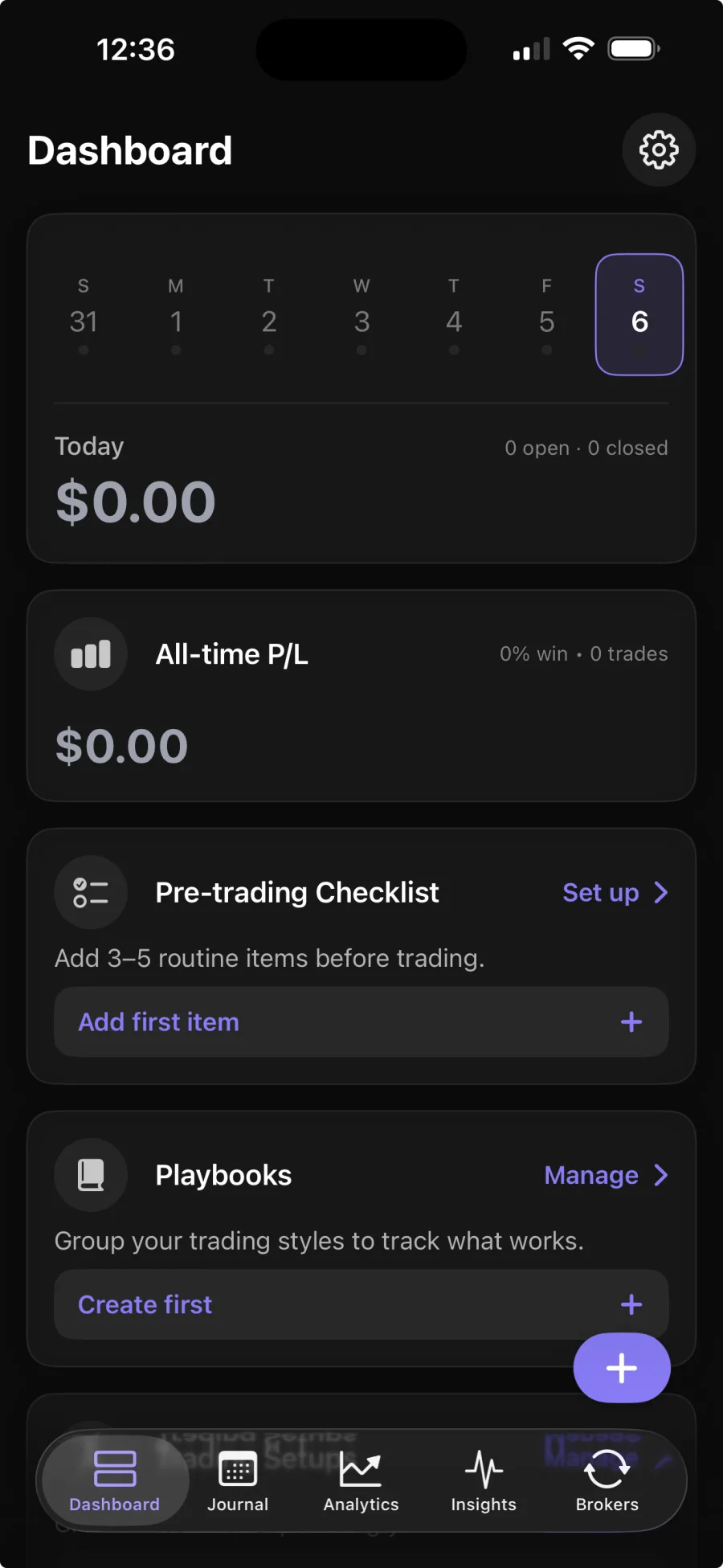
You add a read-only API key in the Astro iOS app, and Astro pulls in your spot trade history automatically. Broker sync is part of Premium; the core journal is free.
No. The API key is read-only, and Astro only reads your trade history to build the journal. It never places, modifies, or cancels orders.
Spot trades are recorded in units of the coin, so a BTC position shows as a quantity of BTC rather than a converted dollar amount.
Yes. Astro is a full product on both web and iOS, sharing one account. Connect on iOS and your coins, setups, and notes are waiting on the web too.