Read-only API connection
Astro connects to Coinbase with a read-only API key, so your account credentials and your ability to trade stay entirely with you.
Connect Coinbase with a read-only API key in the iOS app and your spot trades appear in Astro, sized in coin units, ready to review by coin, direction, and setup.
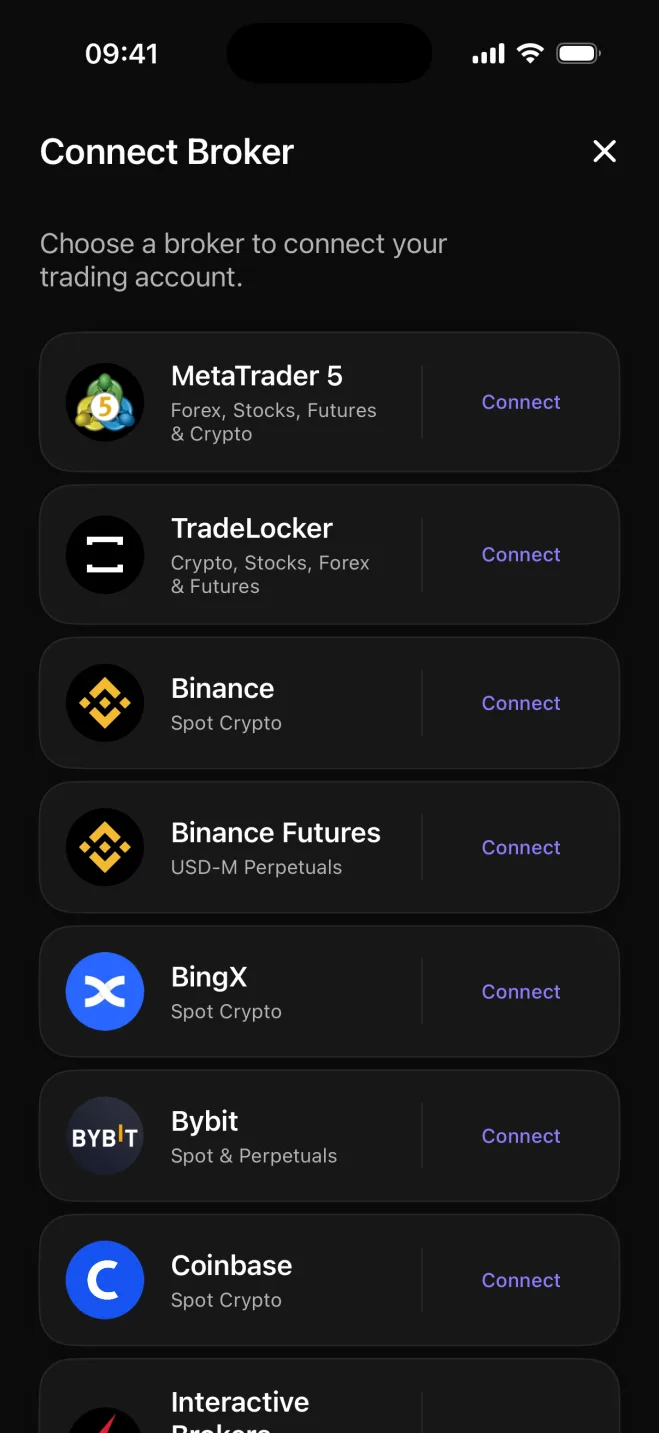

Coinbase is one of the largest regulated US exchanges, and most of its users trade USD-paired spot crypto: BTC, ETH, and a handful of other assets, often held for days or weeks rather than minutes. Astro is built for that pattern. Connect once with a read-only API key in the iOS app and your fills come into the journal without any manual export or spreadsheet cleanup.
The connection is read-only by design. Astro requests only the permission to read your trade history, never to place or modify orders. Your account credentials stay with you, and the journal simply reflects what you bought and sold.
Each Coinbase trade lands in Astro sized in the units you actually traded: BTC, ETH, SOL, or whichever coin was on the other side of the order. That makes the journal consistent with your own records and your exchange history, rather than collapsing everything into a single dollar figure that hides position size.
A reporting currency handles the totals. Each trade keeps its own pair and quote currency, and Astro rolls them up into a single view so you can compare a BTC trade and an ETH trade side by side without losing the underlying detail.
Group your spot trades by coin, tag a setup on each entry, and compare how your longs and shorts have done. Collect related setups into playbooks, and leave a reflection when a trade is worth revisiting.
Astro connects to Coinbase with a read-only API key, so your account credentials and your ability to trade stay entirely with you.
Each trade is recorded in the units of the coin you traded, sized the way your Coinbase history shows it.
Group results by symbol to see which assets have contributed most to the account and which have cost it.
Compare long and short results for the same coin to find which side of the market has treated you better.
Tag a setup on each trade, gather related setups into playbooks, and add a reflection note when a trade is worth revisiting.
Totals roll up consistently into a single reporting currency across coins that settle in different quote currencies.
Astro is one account shared across web and iOS: trades synced from Coinbase appear in both apps at once. Connecting Coinbase is done in the iOS app today, with web-based connection on the way.
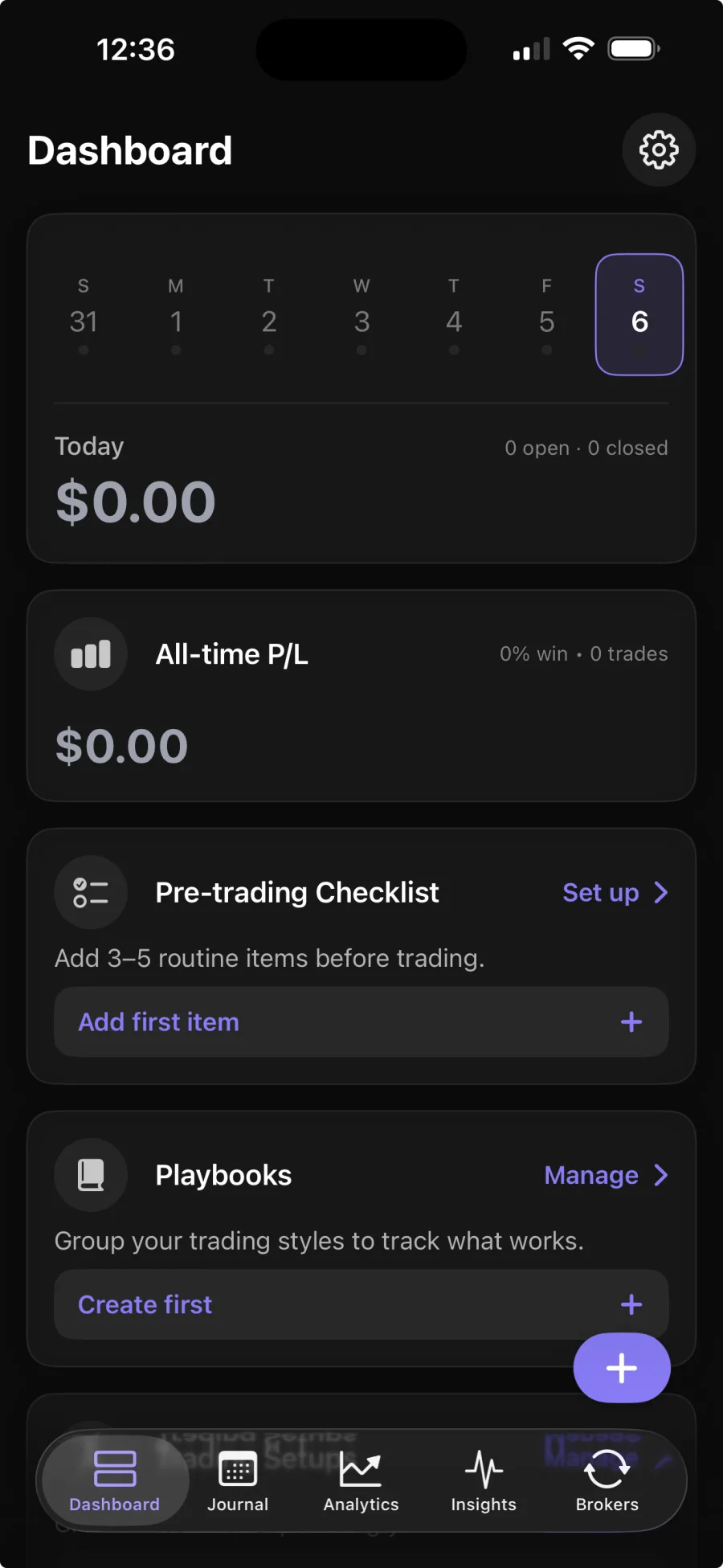
In the iOS app, you generate a read-only API key from your Coinbase account and add it to Astro. Astro uses that key to read your trade history and populate the journal. Broker sync is part of Premium; the core journal is free.
No. Astro only reads your trade history to build the journal. It never places, modifies, or cancels orders, and the read-only API permission makes that impossible by design.
Astro records spot trades in the units of the coin you traded, so a Bitcoin buy shows the BTC amount and an Ethereum sell shows the ETH amount, consistent with your Coinbase history.
Yes. Astro is a single account shared across web and iOS. Trades synced from Coinbase in the iOS app appear in the web journal too, with the same setups, notes, and review dimensions.