Read-only API keys
Astro connects to Kraken with read-only permission, so Astro can read your history and cannot place orders.
Connect Kraken with a read-only API key in the Astro iOS app and your spot trade history flows into the journal, sized in coin units, ready to review by symbol, direction, and setup.
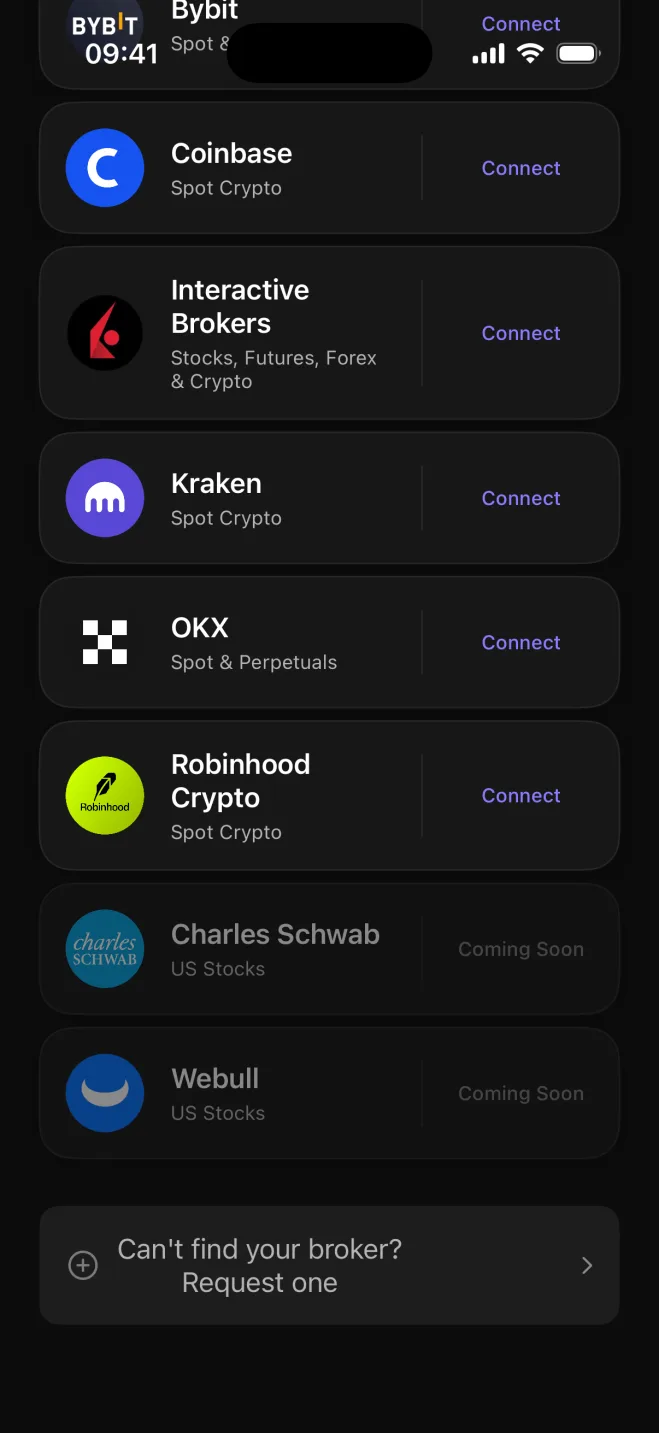

Kraken has been running since 2011 and has earned a reputation for security and compliance that attracts traders who approach the market with care. Astro fits that profile: it builds the journal from your actual trade history rather than relying on manual entry, and the read-only API key it uses has no ability to touch your positions.
Once connected, Astro reads your spot fills as they arrive and records them in the journal. You get a clear, accurate record of what you traded, when you traded it, and how each position sized up in coin units, without any cleanup work on your end.
Kraken serves both USD and EUR markets, so many of its traders hold positions quoted in different fiat currencies at the same time. Astro keeps each trade in its own quote currency rather than converting at the moment of import, so a BTC/USD fill and a BTC/EUR fill each keep the number you actually traded.
A reporting currency ties everything together. Set one currency and Astro rolls all your totals into it consistently, so you can compare a USD pair against a EUR pair or see the full account picture without mixing exchange rates mid-calculation.
The review layer in Astro organizes your Kraken history around the questions that matter: which coins produce results for you, whether longs or shorts have the better record, and which setups tend to hold up over time. Group setups into playbooks to track repeatable approaches across coins.
Add a reflection note on any trade worth a second look. Over time, a Kraken journal in Astro becomes a personal archive of what you did and why, with sizing and currency kept accurate throughout.
Astro connects to Kraken with read-only permission, so Astro can read your history and cannot place orders.
Each Kraken spot fill is recorded in units of the coin, the way you actually sized the position.
USD and EUR pairs each keep their own quote currency in the journal rather than being converted at import.
Set a reporting currency and Astro rolls all your totals into it consistently across every pair.
Break performance down by symbol, long vs. short, setup, and playbook to see what shapes the account.
Tag setups on individual trades, group them into playbooks, and add reflection notes where a trade is worth revisiting.
Your Kraken journal shares one account with the rest of Astro across web and iOS, so your trades, setups, and notes are available in both places. Connecting Kraken is done in the Astro iOS app today, with web-based connection coming.
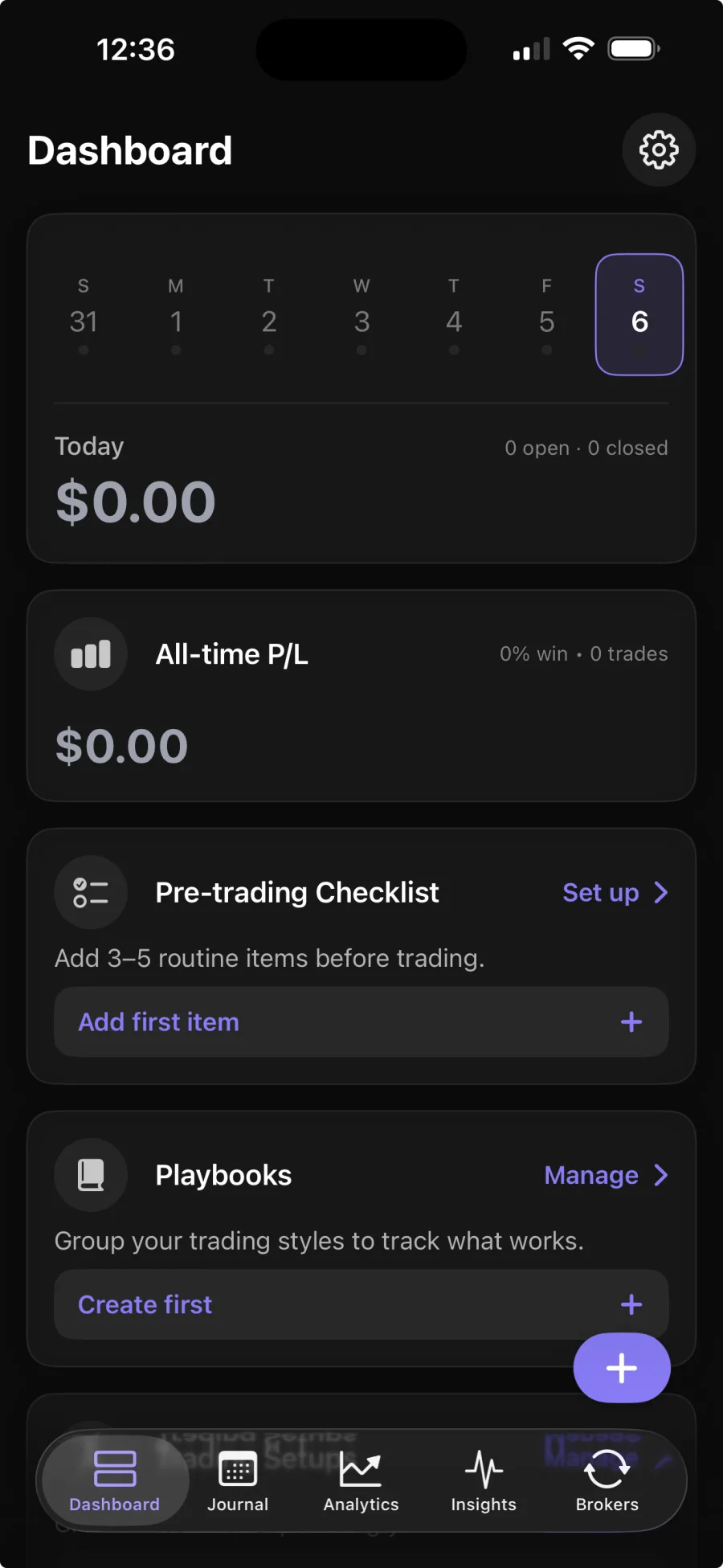
You add a read-only API key from Kraken in the Astro iOS app, and Astro reads your spot trade history to build the journal. Broker sync is part of Premium; the core journal is free.
No. Astro only reads your trade history. It never places, changes, or cancels trades on your behalf.
Astro records spot trades in the units of the coin you traded, so a Bitcoin buy shows the BTC amount and an Ethereum sell shows the ETH amount.
Yes. Astro is a full product on both web and iOS, and the two share one account. Your Kraken trades, setups, and notes appear in both places once the connection is set up in the iOS app.