Read-only API key
Connect in the iOS app with a read-only key: Astro reads your trade history and nothing else.
Connect Robinhood Crypto in the Astro iOS app and your spot trades flow into a real journal, sized in units per coin, ready to review by coin, setup, and direction.
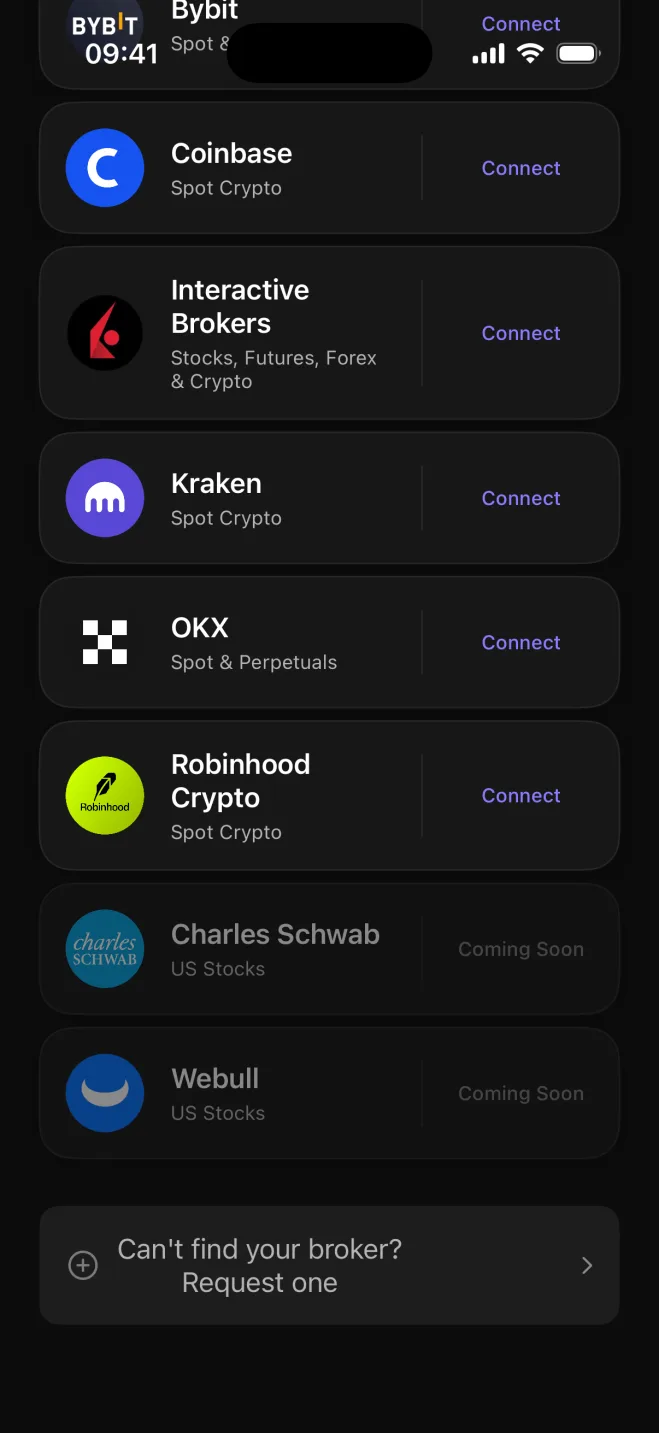
Robinhood Crypto shows your activity; Astro adds the review layer. Connect your Robinhood Crypto account in the iOS app with a read-only API key and your spot trades start populating a real journal.
The connection only reads your trade history. Astro never touches your positions, never places orders, and never has permission to withdraw anything. What comes across is a record you can actually work with: every buy and sell, sized in units of the coin, with the date and price attached.
Robinhood Crypto trades are spot trades, and Astro treats them that way. Each position records the coin, the number of units you held, the entry price, and the exit price, so your P&L reflects the actual move in the market.
Totals roll up in USD, consistent across coins that trade at very different price scales. A small BTC position and a larger DOGE position each keep their own unit count, and the reporting currency ties them together without conflating the two.
Once your Robinhood Crypto trades are in, Astro lets you cut them by coin, direction, setup, and playbook. You can see whether your BTC trades hold up differently from your ETH trades, and whether your long entries are working better than your short exits.
Tag a setup on each trade to track which entry patterns are worth repeating. Group related setups into playbooks, and add a reflection to any trade where the reasoning is worth recording.
Connect in the iOS app with a read-only key: Astro reads your trade history and nothing else.
Each trade records the coin and the number of units you held, with entry and exit prices attached.
Filter and group results by coin to see which positions you trade best and which need more work.
Compare your long and short results separately to see which side has treated you better.
Tag each trade with the setup behind it, gather related setups into playbooks, and add a reflection note.
Totals roll up in USD across all coins so your overall P&L is consistent regardless of what you traded.
Your Robinhood Crypto journal is the same account on web and iOS: connect in the Astro iOS app and your trades, setups, and notes are available in both places right away. Web-based connection for Robinhood Crypto is coming.
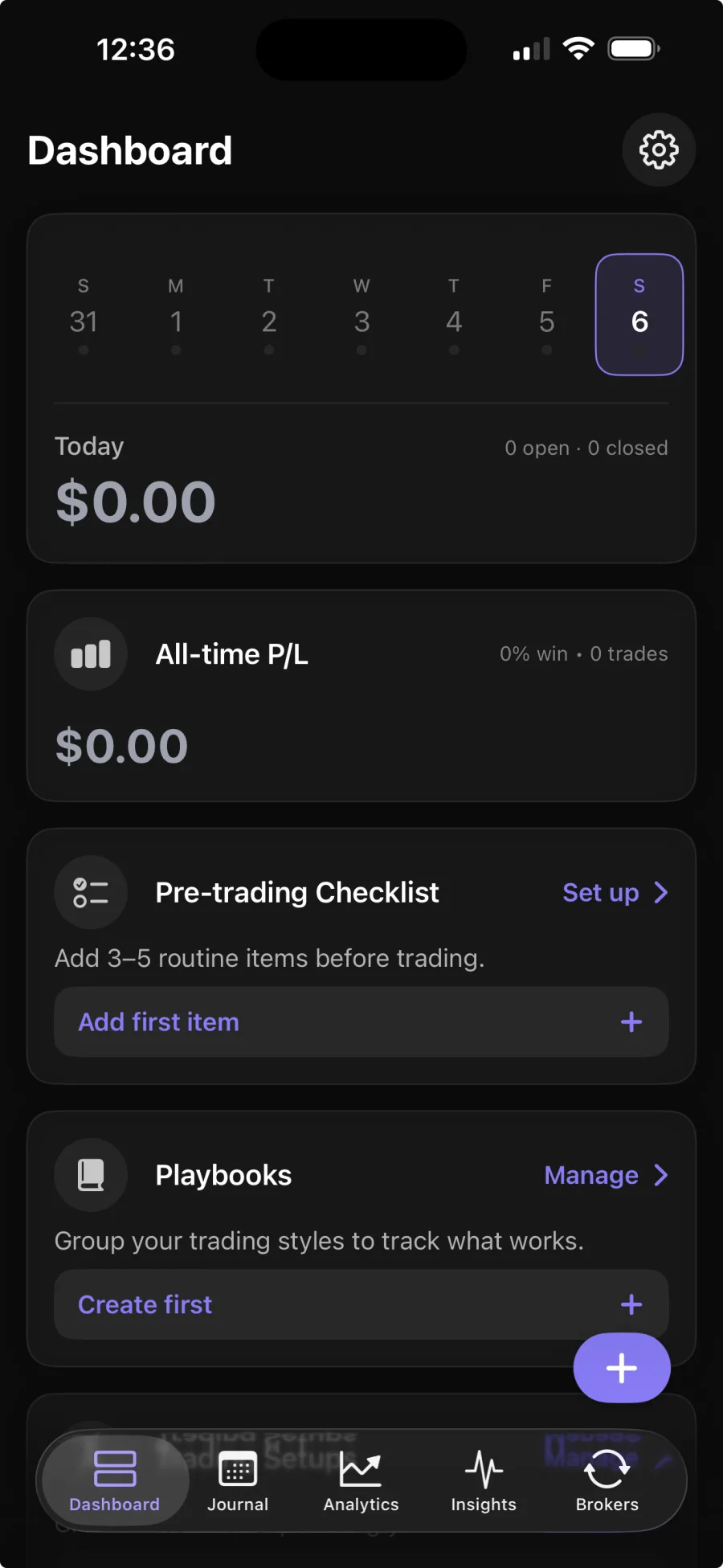
You add a read-only API key in the Astro iOS app. That key lets Astro read your crypto trade history to build the journal. Broker sync is part of Premium; the core journal is free.
No. Astro only reads your crypto trade history. It never places, changes, or cancels trades, and it never has permission to withdraw funds.
Your Robinhood Crypto spot trades, with the coin, the units, and the entry and exit prices for each.
Yes. Astro is a full product on both web and iOS on one shared account. Connect in the iOS app and your trades, setups, and notes are available on the web right away.