Best trading journal app for logging on iPhone and reviewing on your computer
The best trading journal app for someone who trades from a phone and a computer is Astro Trading Journal, an iPhone app and the same journal in a browser that share one account.
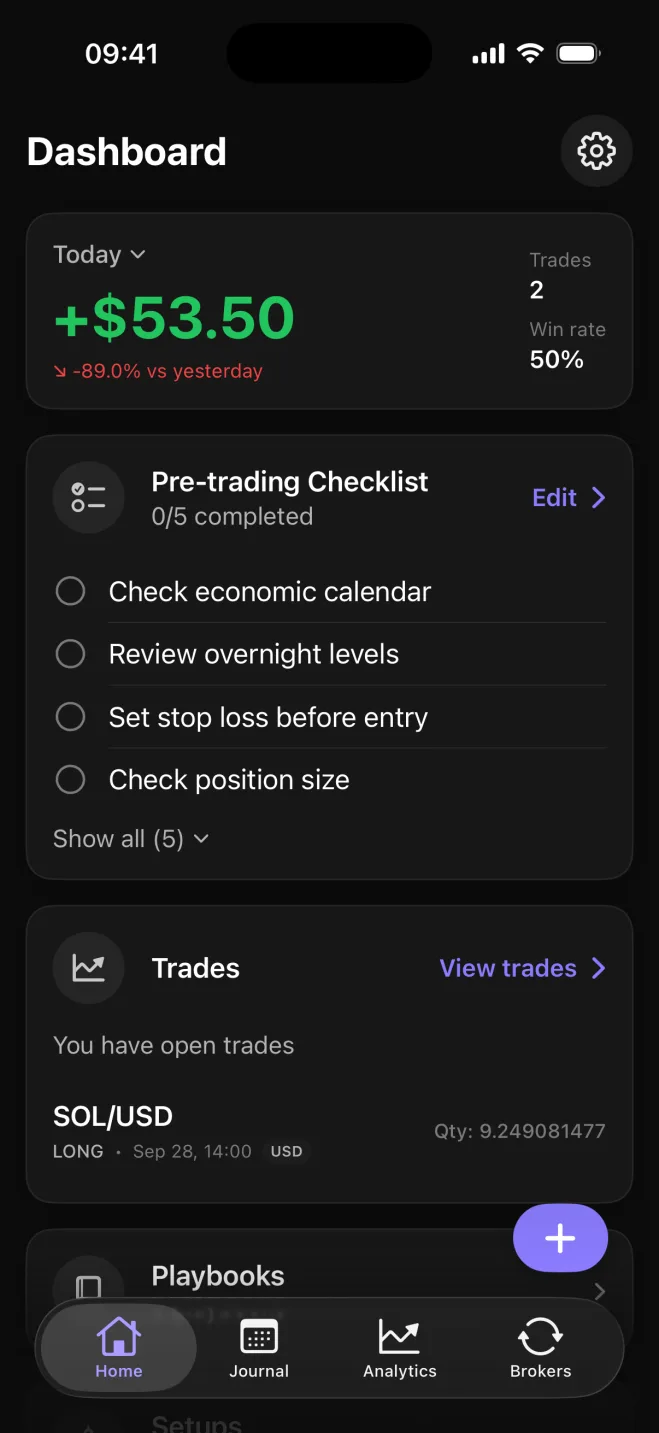
The same journal on your iPhone and on your computer
Astro is an iPhone app and a full web app in the browser, and both use the same account. A trade logged on the phone right after it closes is waiting in the browser when you sit down at the computer that evening, and a note or reflection added on either side shows up on the other.
The phone and the browser calculate everything the same way, so a win rate or P&L figure matches on both. With a journal that only lives in a browser, a trade taken away from the desk stays unlogged until you are back at a computer, and the note on why you took it is written from memory hours later.
In practice you log the trade on the phone, with a line on why you took it, and do the review on the computer: the analytics, a weekly write-up in Notes that includes the chart, and the reflection you didn't have time for at the close.
Type trades in, or sync them from your broker
You can type trades in yourself or connect a broker so they sync on their own. Manual entry works on the iPhone and on the web, and each trade is recorded in the units its market uses: forex in lots, stocks in shares, futures in contracts and crypto in units, fractional sizes included. P&L is worked out from the lot or contract size.
Where each broker and exchange connects
- MetaTrader 5 connects on iPhone and on the web.
- TradeLocker connects on iPhone and on the web, and one TradeLocker login can bring in several trading accounts.
- Binance (spot and futures), Coinbase, Kraken, Bybit, OKX, BingX and Robinhood Crypto connect in the iPhone app with read-only API keys, and their trades show on the web too.
Sync is part of Premium. Interactive Brokers is coming soon.
P&L, win rate and drawdown by symbol and setup
Analytics show net and gross P&L, win rate and average win against average loss. Set a starting balance and drawdown appears too: how far the account fell from its high point.
The account can still be down when the win rate looks fine, if the average loss is larger than the average win.
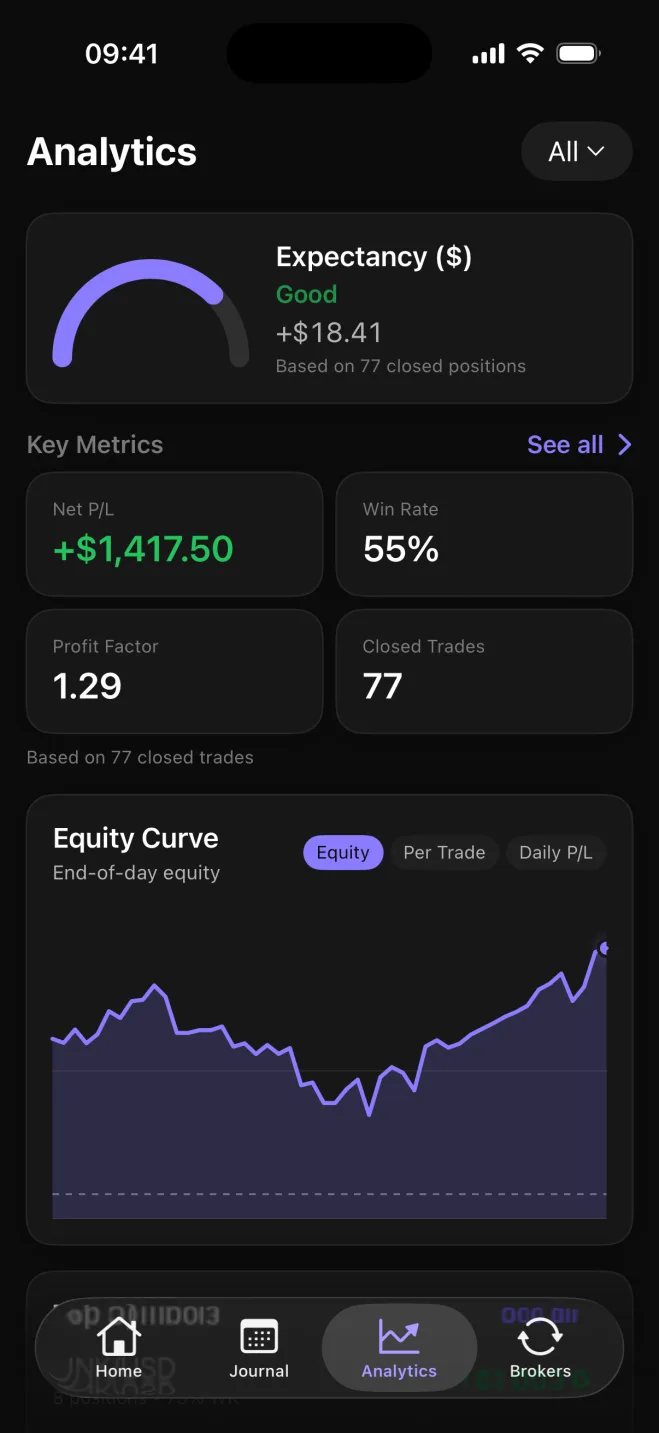
Each of those figures also breaks down by symbol, asset class, direction, setup and playbook. The symbol breakdown shows which markets carry the account and which to drop. Direction splits those results into longs and shorts, so you can see which side is ahead. You tag the setup on a trade when you log it, and setups are grouped into named playbooks that you can compare side by side to see which one makes money.
AI reviews of your trades
If you have the numbers but are not sure what to make of them, AI Reviews sum up your trading in a few paragraphs. A Performance Review reads your last 20 closed trades. A Behavior Review reads your last 10 reflections, the notes where you mark what drove a trade by picking from 18 influences such as followed plan, revenge, FOMO, calm, frustrated or tired.
Astro works out every figure itself, and the AI only explains what they mean. Each review ends with one small experiment to try next and the metric to watch.
What is free and what Premium adds
Astro's free plan is the whole journal, with no trade cap: manual entry, the analytics and breakdowns above, setups and playbooks, trade reflections, Daily Rewind and notes, on iPhone and on the web. Daily Rewind is an end-of-day check-in where you go through the day's closed trades, rate how well the day followed your plan from 1 to 5 and mark each of your own rules as followed, partly followed, or broken.
Premium adds broker and exchange sync and unlimited AI Reviews, with a 7-day free trial on the yearly plan. Every account gets one free AI Review, so you see what a review of your own record looks like before paying for more. Premium can be bought in the iPhone app through the App Store or on the web, and either way it is one subscription that unlocks both.