Read-only API keys
Connect with a read-only key scoped to the minimum permissions BingX requires, never Trade or Withdraw.
Connect your BingX account with read-only API keys and your spot trades flow into Astro sized in units per coin, ready to review by coin, setup, and direction.
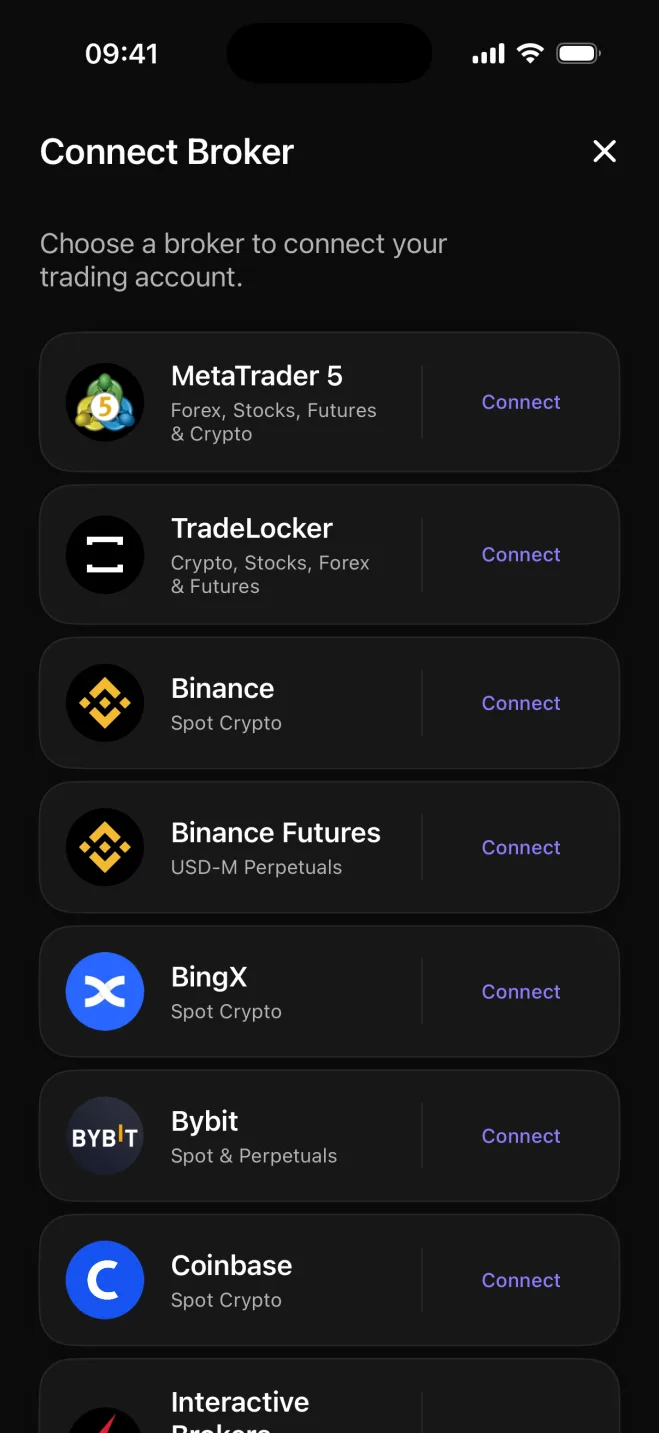

BingX is popular for its social and copy trading features. Astro journals the spot trades in your BingX account, sized in units of each coin, so you can review how your own entries and exits performed.
Each BingX spot trade Astro syncs arrives with the coin, direction, size in units, and entry and exit prices already filled in. If you bought 0.35 BTC, that is what the journal shows, so your P&L history and sizing records stay accurate rather than estimated.
Spot positions across the coins you trade are all here, each recorded in units the way you held them.
Once your trades are in, group results by coin, by long versus short, by the setup behind the trade, and by playbook. A summary of all your ETH trades sits alongside a breakdown of how your long calls compared to your shorts over the same period.
Tag a setup on each trade and collect related setups into a playbook. Add a reflection note when a trade is worth revisiting. Over time, the journal builds a picture of what actually works in your own account.
Connect with a read-only key scoped to the minimum permissions BingX requires, never Trade or Withdraw.
Each coin position is recorded in units so your sizing history and P&L are exact.
Break performance down by coin, long versus short, setup, and playbook across your full trade history.
Tag setups on individual trades, group them into playbooks, and add a reflection note when a trade is worth a closer look.
Each trade keeps its own currency, and a reporting currency rolls totals up consistently across coins that settle differently.
Your journal is the same on web and iOS: one account, the same trades and notes available in both places.
Your BingX journal is the same across web and iOS: one account, the same trades, setups, and notes wherever you check. Connecting BingX is available in the Astro iOS app today, with web-based connection on the way.
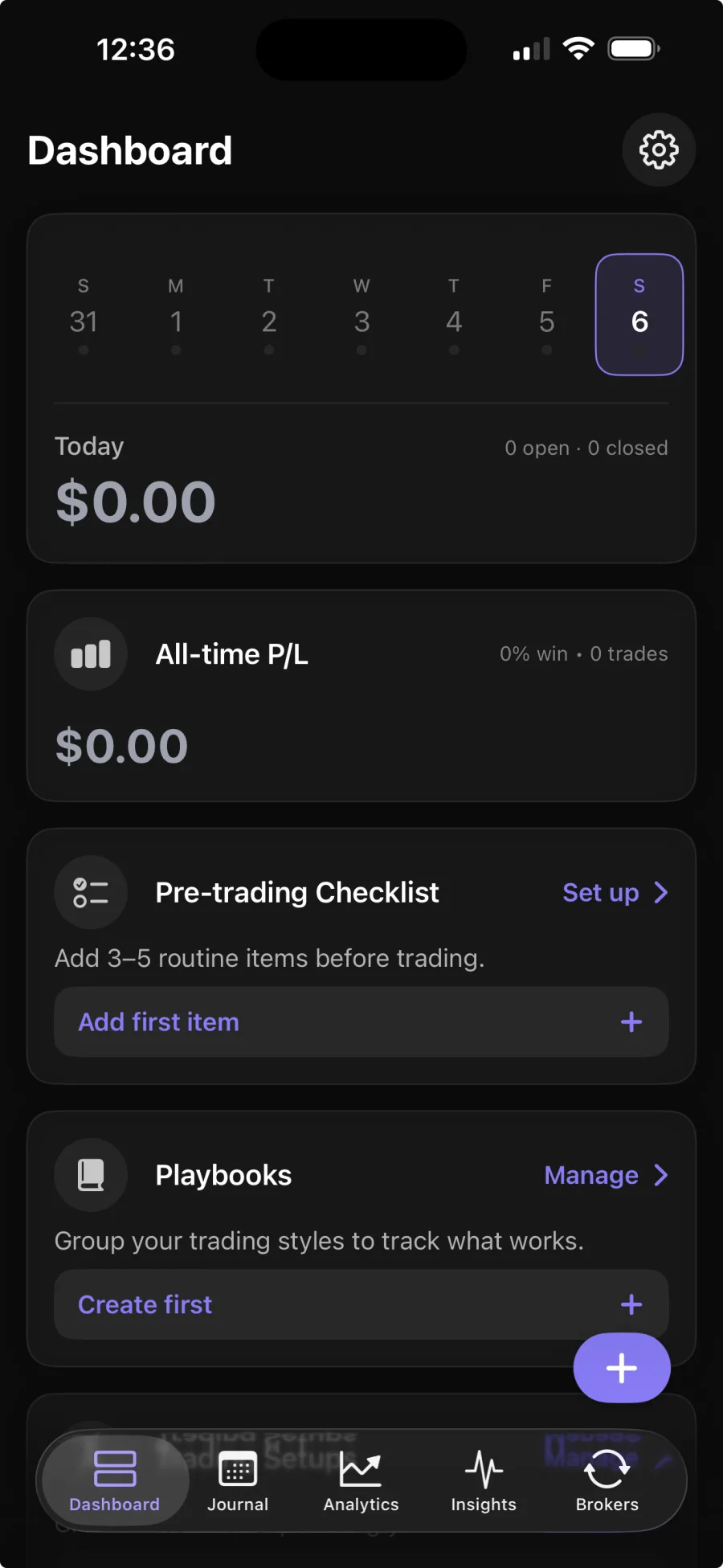
You create a read-only API key in your BingX account, scoped to Read Only with no Trade or Withdraw permissions, then enter it in the Astro iOS app. Broker sync is part of Premium; the core journal is free.
No. Astro only reads your spot trade history to build the journal. It never places, changes, or cancels trades, and the read-only key you provide cannot do those things anyway.
Astro syncs your BingX spot trades, sized in units of each coin.
Yes. Astro uses one shared account across web and iOS, so your coins, setups, and notes are available in both places as soon as you connect on iOS.